 Is There an App?
Acrobat Reader: PDF Editor
by Adobe Inc.
Read, annotate and work with PDF documents.
What it does
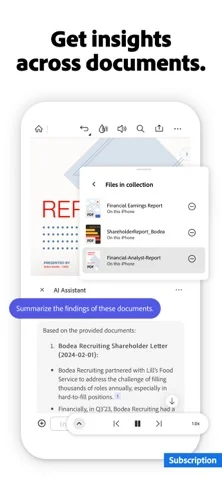
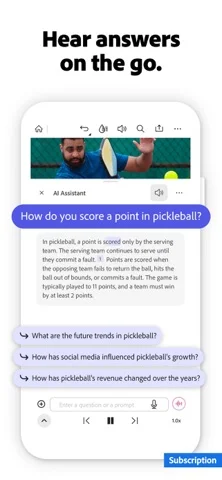
Read, annotate and sign PDF documents. Paid features include editing text and images, recognizing scanned text and converting document formats.
Pricing: is Acrobat Reader: PDF Editor free?
US App Store download: Free (USD), checked 2026-09-22. Includes free functionality with optional paid features or plans. Feature availability depends on the tier.
Screenshots
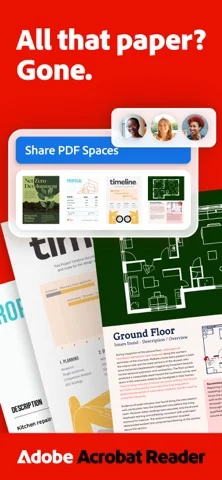
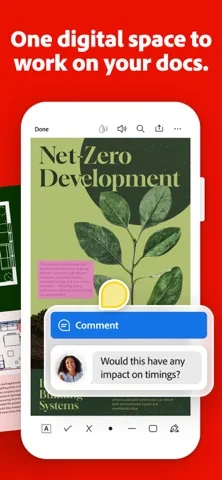
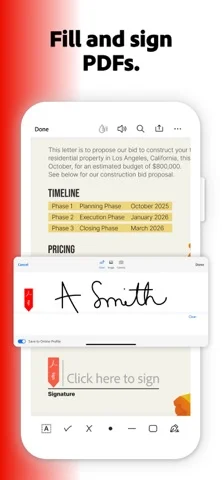
Developer-provided iOS screenshots.

Features
Read PDFs in Liquid mode
Use Liquid mode to adjust font size and spacing for your screen while searching and navigating the document.
Developer’s App Store feature description (iOS)Comment and highlight for free
Add sticky notes, comments and text highlights using the tools listed as free-to-use.
Developer’s App Store feature description (iOS)Fill and sign forms
Fill, sign and send a PDF using Fill & Sign within Acrobat Reader. This is included in the free feature list.
Developer’s App Store feature description (iOS)Edit and recognize text on a paid plan
Paid tools edit PDF text and images and apply OCR to turn scanned pages into searchable, editable text.
Developer’s App Store feature description (iOS)Organize and convert files on a paid plan
Combine or split PDFs, rearrange pages, and export to Word, Excel, PowerPoint or image formats with a subscription.
Developer’s App Store feature description (iOS)Sources & verification
- Acrobat Reader: PDF Editor: developer's App Store listing (US)Primary source
- Developer’s App Store feature description (iOS)Primary source
Last verified: 22 September 2026. Features not listed here may be unverified.
Are you the developer? Claim this listing →