 Is There an App?

Adobe Scan: PDF & OCR Scanner
by Adobe Inc.
Scan paper documents and recognize their text.
What it does
Capture multi-page documents, clean up scans and recognize text. Export scans as PDF or JPEG, with additional functionality available through subscriptions.
Pricing: is Adobe Scan: PDF & OCR Scanner free?
Adobe Scan is free to download with document-scanning functionality. Optional subscriptions add features such as combining scans and increasing OCR capacity from 5 to 100 pages. Check the current local subscription price in-app. Checked 3 October 2026.
Common questions
What does Adobe Scan do?
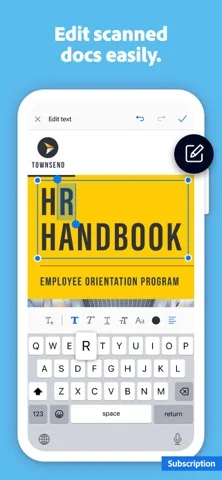
Turn paper documents, receipts, IDs or photos into PDF or JPEG files. OCR makes text in scans searchable and reusable, and scanned files are saved to Adobe Document Cloud.
Is Adobe Scan free or paid?
The app offers scanning with optional paid upgrades. The developer documents subscription features including combining scans and increasing OCR capacity from five to 100 pages. Check the current plan before relying on a paid PDF workflow.
Answers reviewed . Source-based research; not hands-on testing.
Screenshots
Developer-provided iOS screenshots.
Features
Capture paper as PDF or JPEG
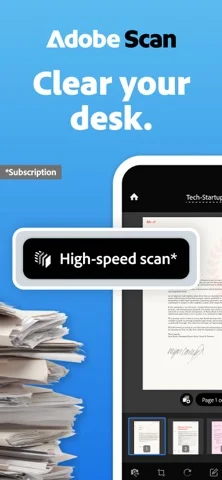
Scan documents, receipts, IDs, notes or whiteboards and save the result as PDF or JPEG. The developer’s screenshot marks High-speed scan as a subscription feature.
Developer’s App Store feature description (iOS)Clean up imperfect captures
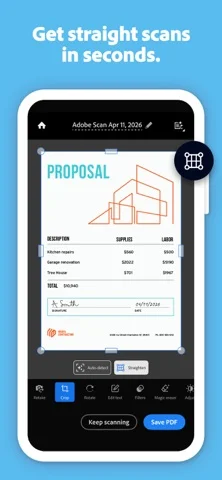
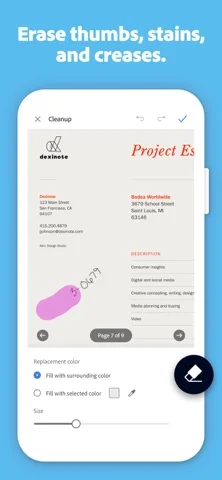
Use tools for cropping, rotation, color adjustment and straightening. Magic eraser is described as removing obstructions such as fingers, shadows and stains.
Developer’s App Store feature description (iOS)Recognize text in scanned pages
OCR makes words in scans searchable and reusable. The subscription offering increases the documented OCR capacity from five to 100 pages.
Developer’s App Store feature description (iOS)Rearrange and extract pages
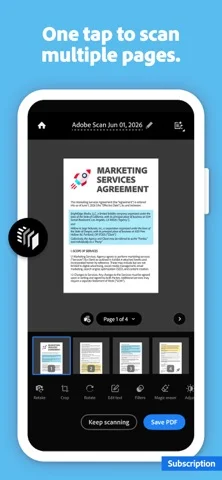
Reorder pages before saving, or extract selected pages from a multi-page scan into a new PDF.
Developer’s App Store feature description (iOS)Keep scans in a cloud library
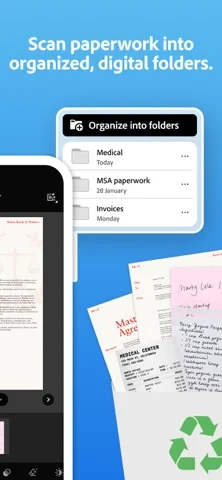
Organize scans into folders and access them through Adobe Document Cloud. Open a scan in Acrobat Reader when you need commenting, highlighting or form tools.
Developer’s App Store feature description (iOS)Questions this app answers
Sources & verification
- Adobe Scan: PDF & OCR Scanner: developer's App Store listing (US)Primary source
- Developer’s App Store feature description (iOS)Primary source
- Developer’s US App Store listing: Adobe Scan: PDF & Doc ScannerPrimary source
- Adobe Scan FAQPrimary source
Last verified: 22 September 2026. Features not listed here may be unverified.
Are you the developer? Claim this listing →