 Is There an App?
Agenda: Notes meets Calendar
by Momenta B.V.
Keep notes on a timeline linked to calendar events and projects.
What it does
Keep notes on a timeline linked to calendar events and projects. Sync and shared editing connect devices, with optional premium purchases.
Pricing: is Agenda: Notes meets Calendar free?
US App Store download: Free (USD), checked 2026-09-23. Includes free functionality with optional paid features or plans. Feature availability depends on the tier.
Screenshots
Developer-provided iOS screenshots.
Features
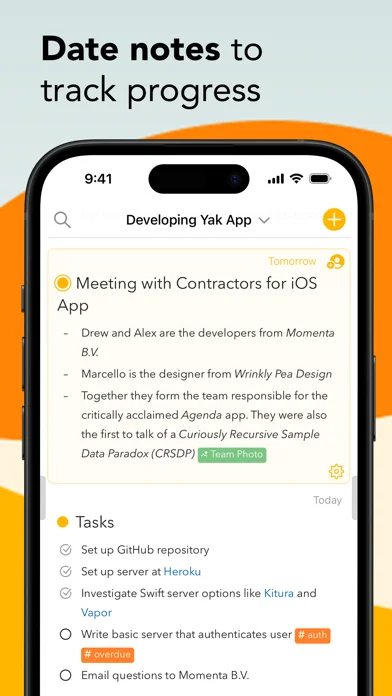
Connect notes to calendar events
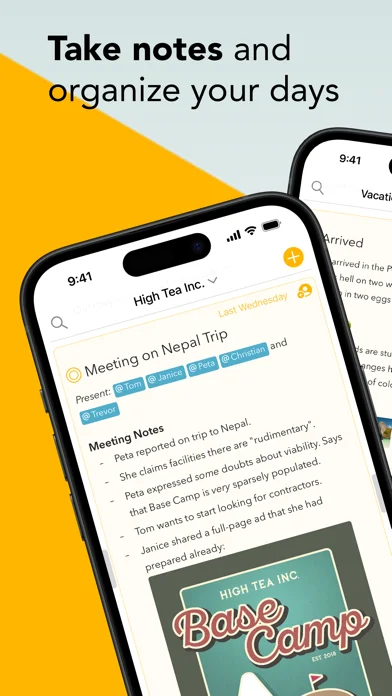
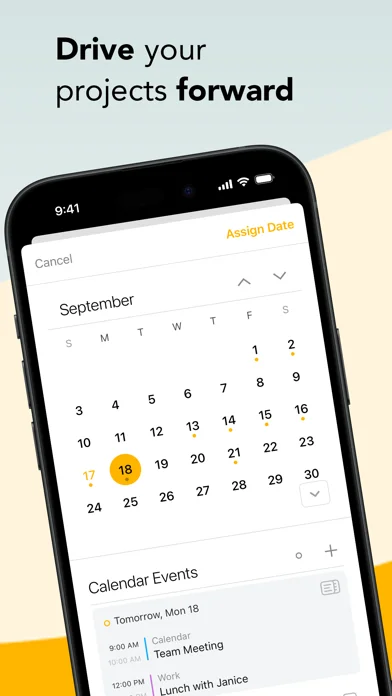
Attach notes to dates or calendar events so meeting preparation and decisions sit on a timeline.
Developer’s App Store feature description (iOS)Surface current priorities
Mark selected notes as On the Agenda to collect them in a dedicated overview.
Developer’s App Store feature description (iOS)Write structured notes with attachments
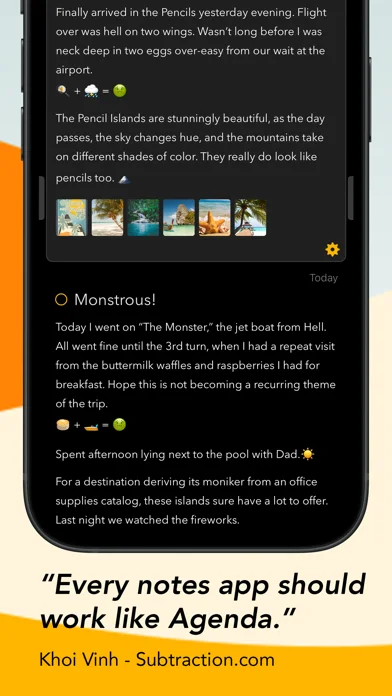
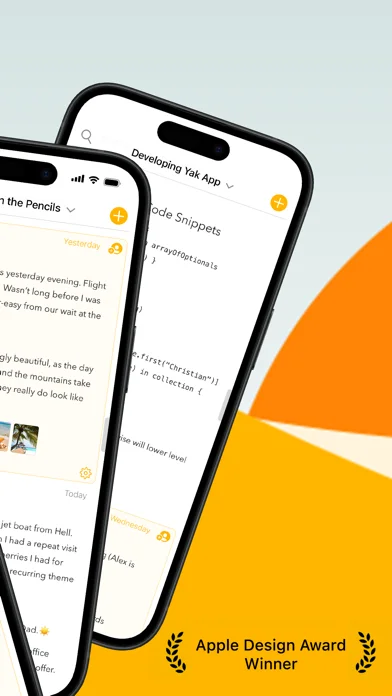
Use headings, lists, tables and checklists, and attach files or images that can be previewed inline.
Developer’s App Store feature description (iOS)Group work into projects and categories
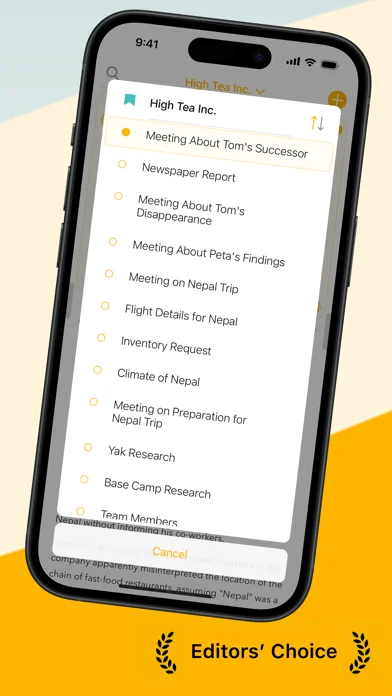
Organize notes into projects and projects into categories, then reorder or collapse them.
Developer’s App Store feature description (iOS)Sync and collaborate across devices
Sync through iCloud or Dropbox and share individual notes for real-time collaboration. Unlocked Premium features remain available after cancellation.
Developer’s App Store feature description (iOS)Sources & verification
- Agenda: Notes meets Calendar: developer's App Store listing (US)Primary source
- Developer’s App Store feature description (iOS)Primary source
Last verified: 23 September 2026. Features not listed here may be unverified.
Are you the developer? Claim this listing →