 Is There an App?

AnyDesk Remote Desktop
by AnyDesk Software GmbH
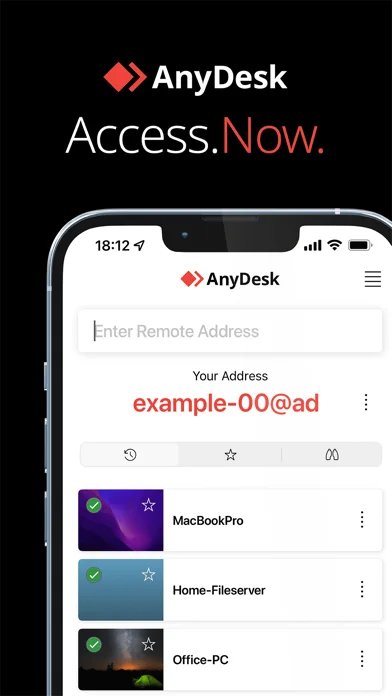
Connect to another device running AnyDesk and control it after access is approved.
iOSFree
Visit official websiteWhat it does
Connect to another device running AnyDesk and control it after access is approved. The developer specifies free, ad-free personal use.
Pricing: is AnyDesk Remote Desktop free?
US App Store download: Free (USD), checked 2026-09-23. The developer describes free core use; check the listing for eligibility and service limits.
Screenshots
Developer-provided iOS screenshots.
Features
Two-device setup
Install and launch AnyDesk on both devices.
Developer’s App Store feature description (iOS)Address-based connection
Enter the AnyDesk-ID that is displayed on the remote device.
Developer’s App Store feature description (iOS)Remote access approval
Confirm the access request on the remote device.
Developer’s App Store feature description (iOS)Remote device control
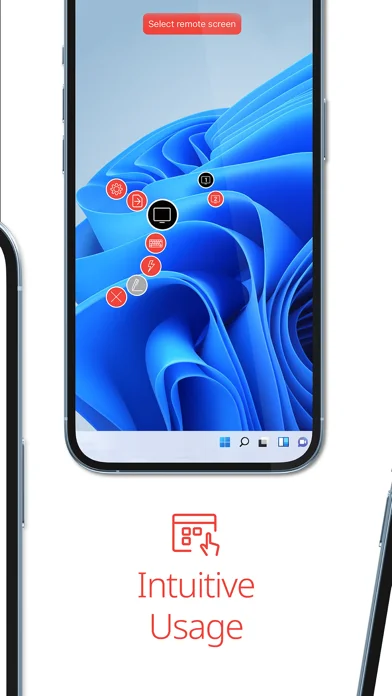
Done. You can now control the remote device remotely.
Developer’s App Store feature description (iOS)Sources & verification
- AnyDesk Remote Desktop: developer's App Store listing (US)Primary source
- Developer’s App Store feature description (iOS)Primary source
Last verified: 23 September 2026. Features not listed here may be unverified.
Are you the developer? Claim this listing →