 Is There an App?

Artstudio Pro: Draw, Paint
by Lucky Clan
Paint and edit photos using customizable brushes, layered documents and nondestructive adjustments.
What it does
Paint and edit photos using customizable brushes, layered documents and nondestructive adjustments. The free version has limitations, and separate macOS support is described.
Pricing: is Artstudio Pro: Draw, Paint free?
US App Store download: Free (USD), checked 2026-09-23. The full pricing model, in-app purchases and subscription requirements have not been verified.
Screenshots
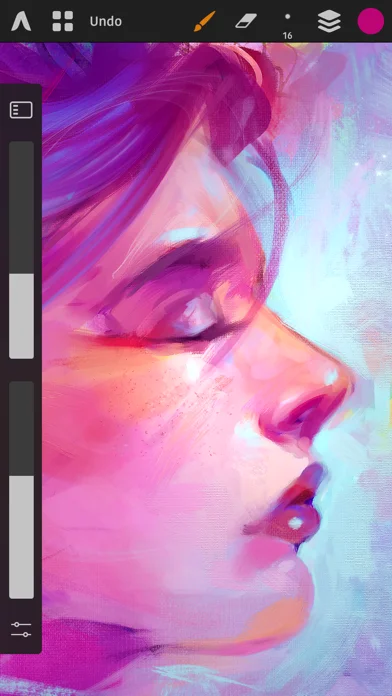
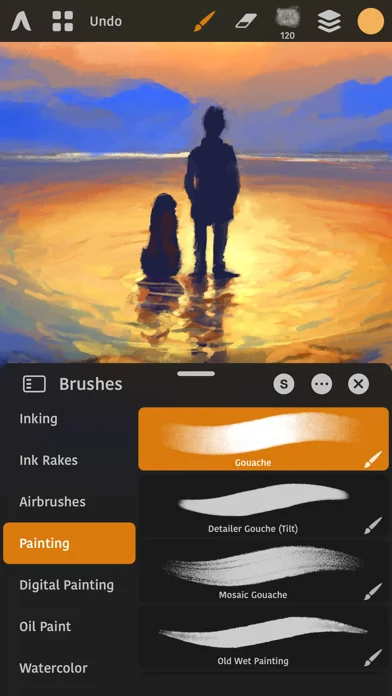
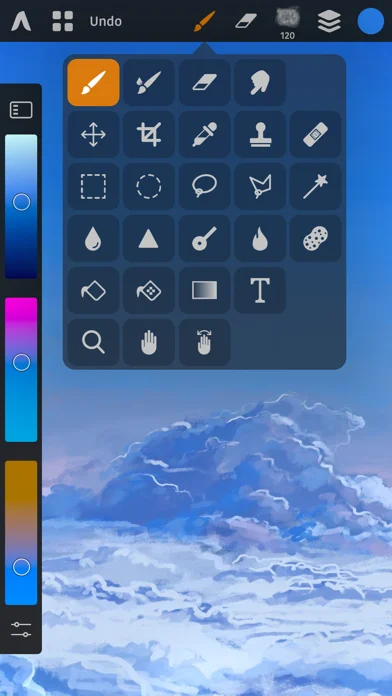
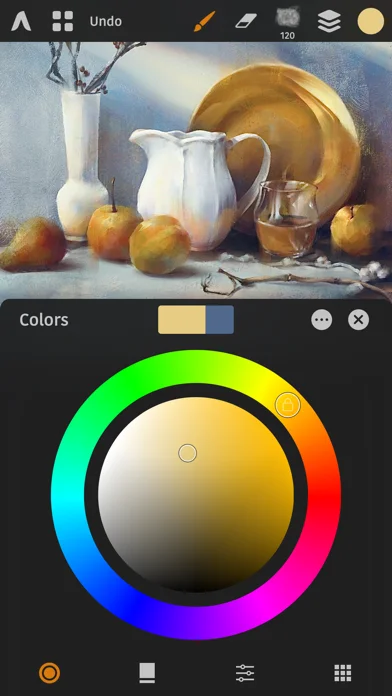
Developer-provided iOS screenshots.
Features
Large multilayer documents
Work across multiple documents with large canvases and an unlimited number of layers.
Developer’s App Store feature description (iOS)Nondestructive layer system
Group layers and apply masks, clipping masks, adjustment layers, effects, and editable text.
Developer’s App Store feature description (iOS)Configurable brush engine
Use more than 150 built-in brushes or tune over 100 brush settings with Apple Pencil input.
Developer’s App Store feature description (iOS)Photo editing and retouching
Apply tonal adjustments, transforms, filters, inpainting, liquify, healing, dodge, burn, and other tools.
Developer’s App Store feature description (iOS)Layer-based animation
Animate layers or groups with a timeline, onion skinning, per-frame duration, and MP4, HEVC, GIF, or PNG export.
Developer’s App Store feature description (iOS)Sources & verification
- Artstudio Pro: Draw, Paint: developer's App Store listing (US)Primary source
- Developer’s App Store feature description (iOS)Primary source
Last verified: 23 September 2026. Features not listed here may be unverified.
Are you the developer? Claim this listing →