 Is There an App?

Bitwarden Password Manager
by Bitwarden Inc
Store passwords and synchronize an encrypted vault.
What it does
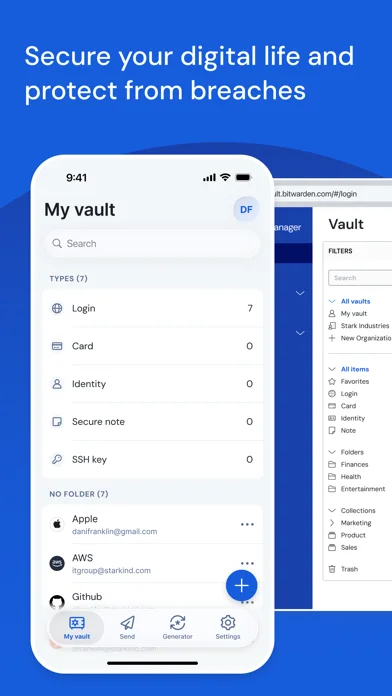
Keep an encrypted vault of passwords and passkeys, generate new credentials and share sensitive information. Premium and business plans add further features.
Pricing: is Bitwarden Password Manager free?
US App Store download: Free (USD), checked 2026-09-22. Includes free functionality with optional paid features or plans. Feature availability depends on the tier.
Screenshots
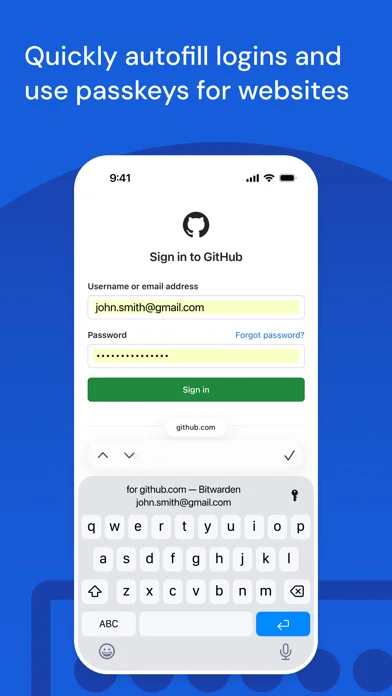
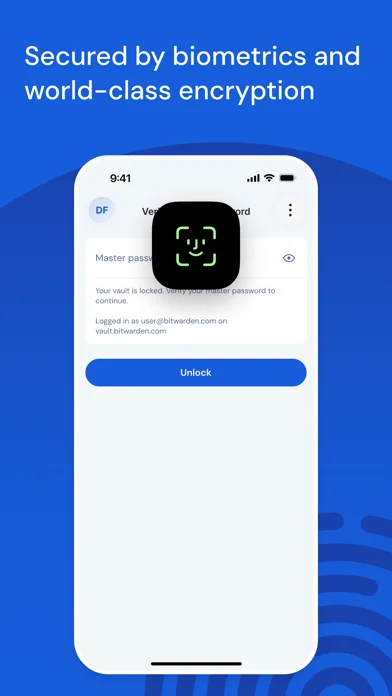
Developer-provided iOS screenshots.
Features
Keep passwords and passkeys across devices
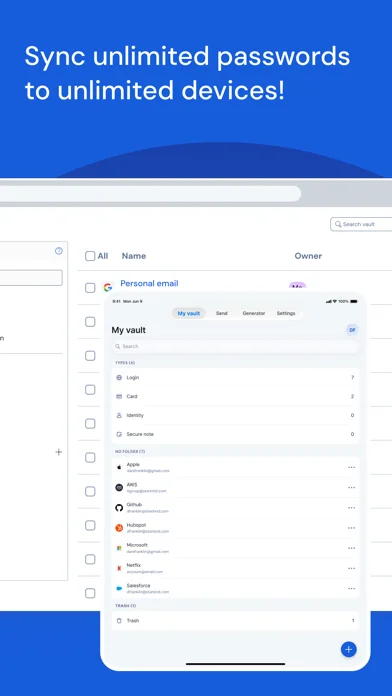
Store and manage an unlimited number of passwords and passkeys across devices. Bitwarden offers a free plan, with further features on paid plans.
Developer’s App Store feature description (iOS)Generate distinct login credentials
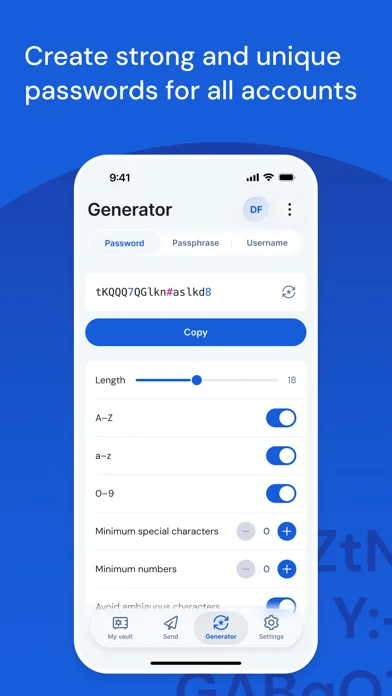
Create passwords and usernames with the built-in generator. Email-alias provider integrations offer another way to generate sign-up identities.
Developer’s App Store feature description (iOS)Share information through Bitwarden Send
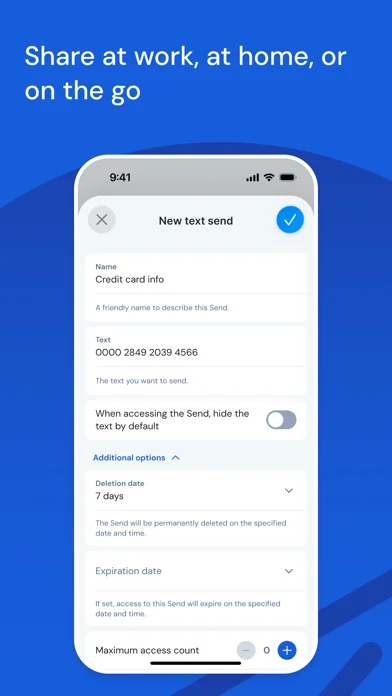
Send information to another person using Bitwarden Send. The developer describes the transfer as end-to-end encrypted.
Developer’s App Store feature description (iOS)Add a second factor to your vault login
Protect the Bitwarden login using supported authentication methods, including an external authenticator, emailed codes or FIDO2 credentials.
Developer’s App Store feature description (iOS)Manage workforce access on business plans
Teams and Enterprise offerings include business controls such as SSO, directory integration, provisioning, policies and event logs. Availability depends on the selected business plan.
Developer’s App Store feature description (iOS)Sources & verification
- Bitwarden Password Manager: developer's App Store listing (US)Primary source
- Developer’s App Store feature description (iOS)Primary source
Last verified: 22 September 2026. Features not listed here may be unverified.
Are you the developer? Claim this listing →