 Is There an App?
Canva AI Photo & Video Editor
by Canva
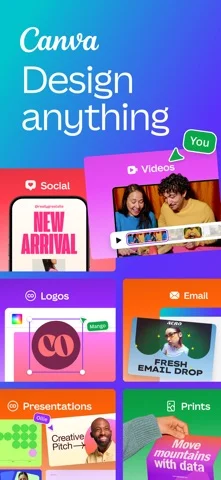
Design graphics, presentations and videos.
What it does
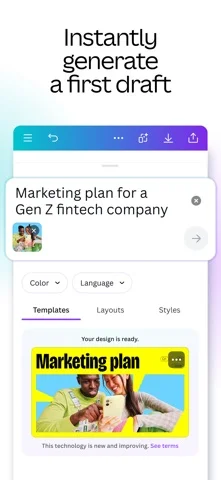
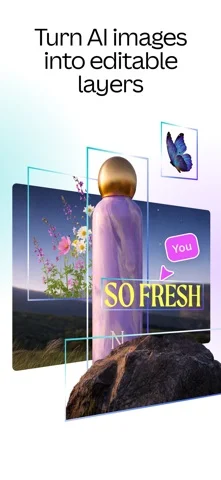
Create graphics and presentations from templates, adjust photos and edit video clips. The listing includes background removal, captions and other creative tools.
Pricing: is Canva AI Photo & Video Editor free?
US App Store download: Free (USD), checked 2026-09-22. The full pricing model, in-app purchases and subscription requirements have not been verified.
Screenshots
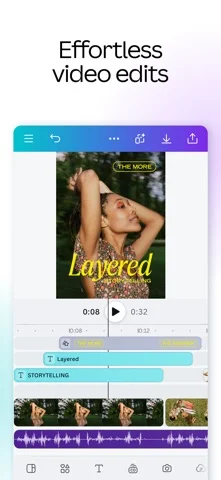
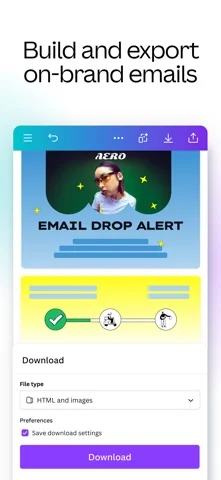
Developer-provided iOS screenshots.
Features
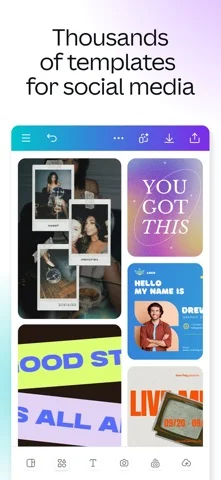
Start designs from customizable templates
Choose templates for social posts, business cards, flyers, invitations and other formats, then adapt the layout to your project.
Developer’s App Store feature description (iOS)Build presentations and educational materials
Create slideshows from templates and use visual layouts for data and classroom worksheets.
Developer’s App Store feature description (iOS)Edit photos and assemble collages
Adjust lighting and contrast, apply filters and combine photos into collages.
Developer’s App Store feature description (iOS)Edit videos with captions and music timing
Add captions and effects, then use Beat Sync to align edits with music.
Developer’s App Store feature description (iOS)Work on designs with other people
Share designs, gather feedback and collaborate with teammates in real time.
Developer’s App Store feature description (iOS)Sources & verification
- Canva AI Photo & Video Editor: developer's App Store listing (US)Primary source
- Developer’s App Store feature description (iOS)Primary source
Last verified: 22 September 2026. Features not listed here may be unverified.
Are you the developer? Claim this listing →