 Is There an App?

CapCut: Photo & Video Editor
by Bytedance Pte. Ltd
Edit videos and add effects and captions.
What it does
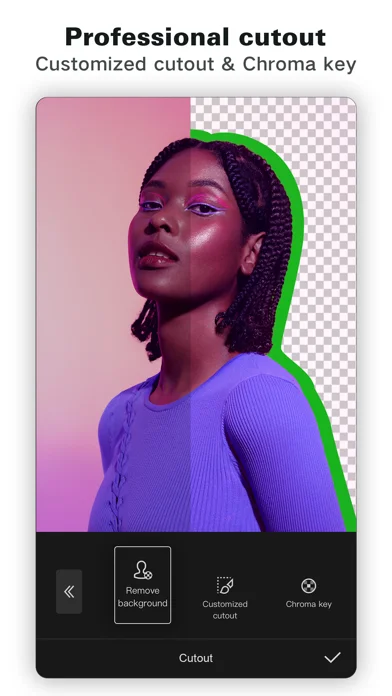
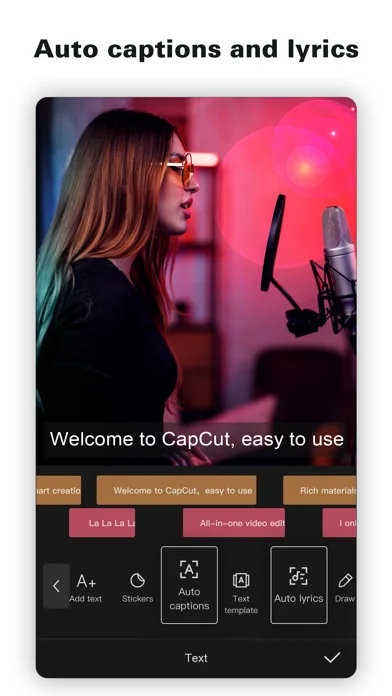
Trim and combine clips on a timeline, adjust speed, add effects and generate captions. The listing also describes background removal and configurable video exports.
Pricing: is CapCut: Photo & Video Editor free?
US App Store download: Free (USD), checked 2026-09-22. The full pricing model, in-app purchases and subscription requirements have not been verified.
Screenshots
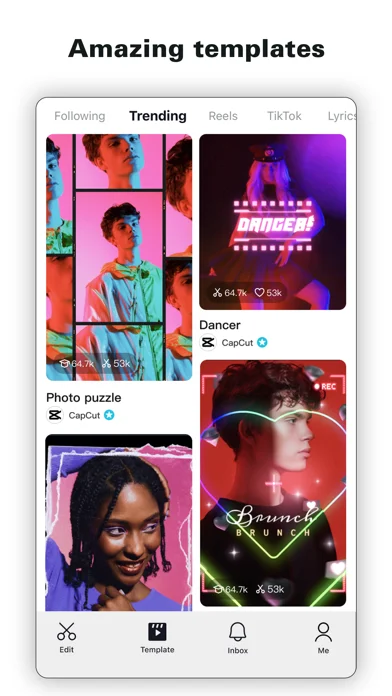
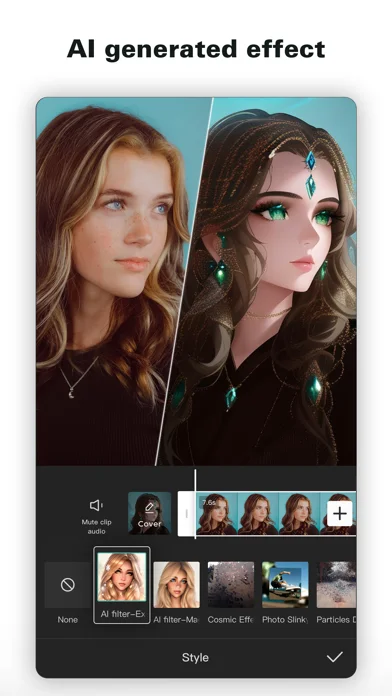
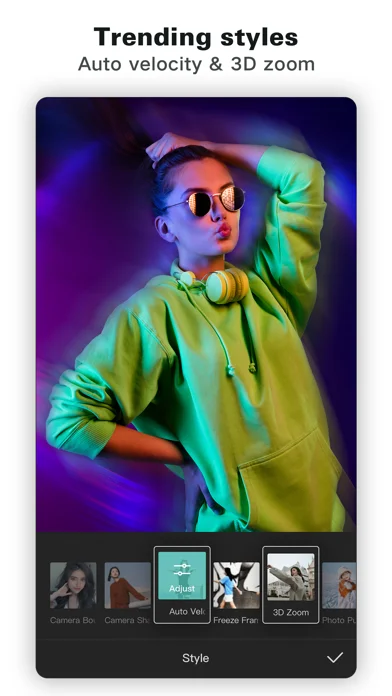
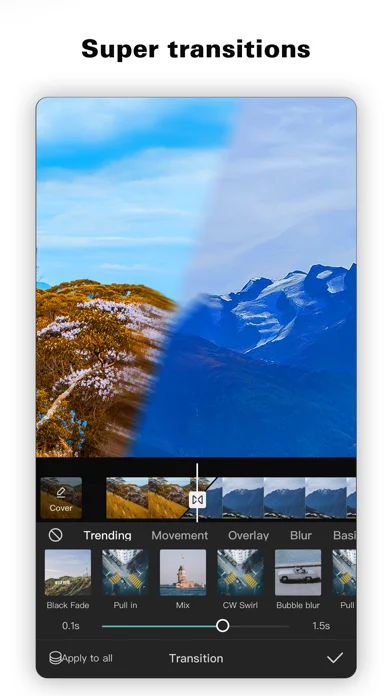
Developer-provided iOS screenshots.
Features
Arrange clips on a multitrack timeline
Trim, split and merge clips, then arrange and preview them on multiple tracks.
Developer’s App Store feature description (iOS)Control speed and animation
Use keyframes, speed curves and optical flow to build animated edits and slow-motion sequences.
Developer’s App Store feature description (iOS)Generate captions from speech
Automatically recognize speech and create subtitles that can be adjusted on the timeline.
Developer’s App Store feature description (iOS)Create voice audio from text
Convert text into speech using multiple languages and voices.
Developer’s App Store feature description (iOS)Composite and stabilize footage
Remove backgrounds or selected colors with background removal and chroma key, and stabilize shaky footage.
Developer’s App Store feature description (iOS)Sources & verification
- CapCut: Photo & Video Editor: developer's App Store listing (US)Primary source
- Developer’s App Store feature description (iOS)Primary source
Last verified: 22 September 2026. Features not listed here may be unverified.
Are you the developer? Claim this listing →