 Is There an App?

Dropbox: Cloud Storage Backup
by Dropbox, Inc.
Store, share and synchronize files across devices.
What it does
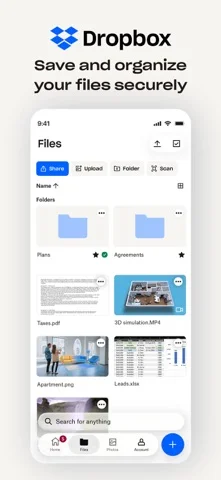
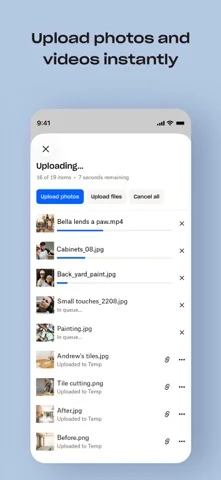
Upload and share files, back up camera photos and scan documents. Desktop folder synchronization and recovery tools are also described; plan limits vary.
Pricing: is Dropbox: Cloud Storage Backup free?
US App Store download: Free (USD), checked 2026-09-22. The full pricing model, in-app purchases and subscription requirements have not been verified.
Screenshots
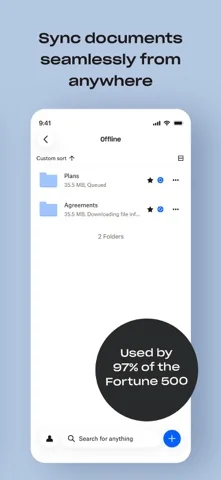
Developer-provided iOS screenshots.

Features
Back up camera photos and videos
Enable automatic uploading of camera-roll photos and videos to cloud storage, with uploads performed in the background.
Developer’s App Store feature description (iOS)Share files through a link
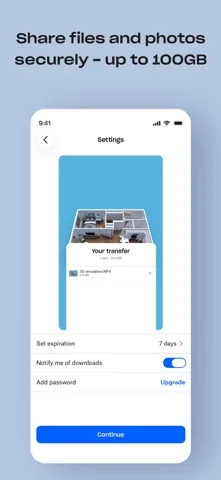
Copy a file link to send it to another person, including someone who does not have a Dropbox account.
Developer’s App Store feature description (iOS)Scan paper into PDFs
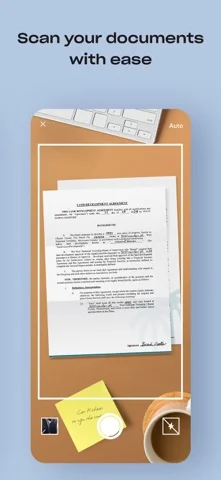
Use your phone to scan documents, receipts, IDs or photos and turn the captures into PDFs for saving or sharing.
Developer’s App Store feature description (iOS)Preview and access saved files
Preview many file types within Dropbox and use its offline-access options. Check your plan and what is saved on the device before relying on offline availability.
Developer’s App Store feature description (iOS)Recover previous file versions
Version history and file recovery can restore earlier content or deleted files. The developer also describes Dropbox Rewind with the Plus offering; recovery windows depend on the plan.
Developer’s App Store feature description (iOS)Sources & verification
- Dropbox: Cloud Storage Backup: developer's App Store listing (US)Primary source
- Developer’s App Store feature description (iOS)Primary source
Last verified: 22 September 2026. Features not listed here may be unverified.
Are you the developer? Claim this listing →