 Is There an App?

Freedom: Screen Time Control
by Eighty Percent Solutions
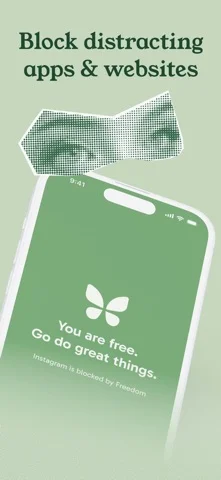
Block distracting apps and websites during focus time.
What it does
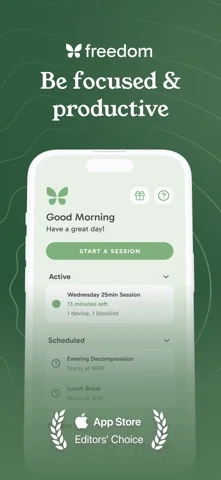
Run scheduled focus sessions that block selected apps and websites. The listing describes a trial followed by a paid subscription.
Pricing: is Freedom: Screen Time Control free?
US App Store download: Free (USD), checked 2026-09-22. The described service requires a paid plan after any trial; download price is not the subscription price.
Screenshots
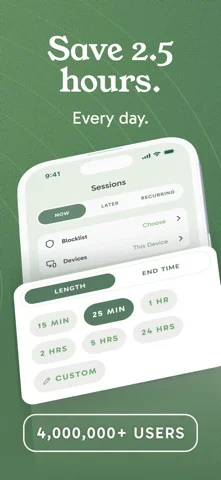
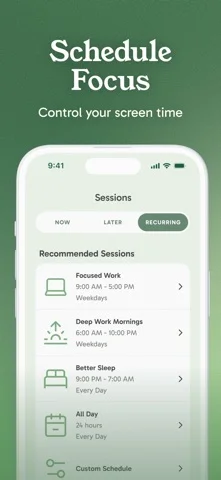
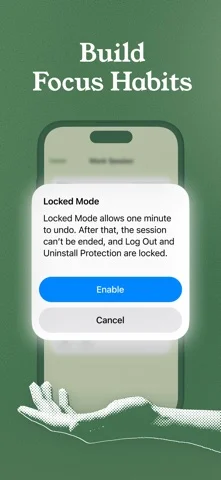
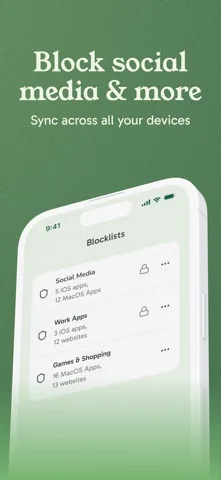
Developer-provided iOS screenshots.
Features
Choose apps and websites to block
Start from a prepared blocklist or create your own list of distracting apps and sites for a focus session. Freedom Premium is offered after a trial.
Developer’s App Store feature description (iOS)Schedule repeating focus sessions
Start a block now, schedule it for later, or create recurring sessions for regular work periods.
Developer’s App Store feature description (iOS)Synchronize blocks across devices
Coordinate a blocking session across phones, tablets and computers. The listing states there is no device-count limit.
Developer’s App Store feature description (iOS)Block internet access while retaining calls
The developer describes an internet-blocking option that leaves important calls and texts available.
Developer’s App Store feature description (iOS)Add background focus audio
Choose music, café, office or nature audio as background sound while working. The focus-audio tracks are described as free.
Developer’s App Store feature description (iOS)Sources & verification
- Freedom: Screen Time Control: developer's App Store listing (US)Primary source
- Developer’s App Store feature description (iOS)Primary source
Last verified: 22 September 2026. Features not listed here may be unverified.
Are you the developer? Claim this listing →