 Is There an App?
Google Calendar: Get Organized
by Google
Schedule events and manage shared calendars.
What it does
Manage events and tasks, share calendars and bring reservations in from Gmail. Some professional booking and workplace features require a paid Google plan.
Pricing: is Google Calendar: Get Organized free?
US App Store download: Free (USD), checked 2026-09-22. The full pricing model, in-app purchases and subscription requirements have not been verified.
Screenshots
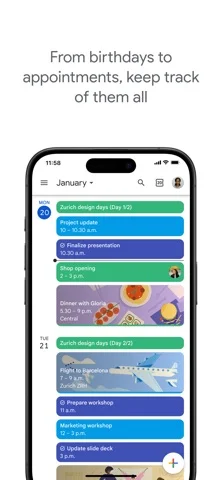
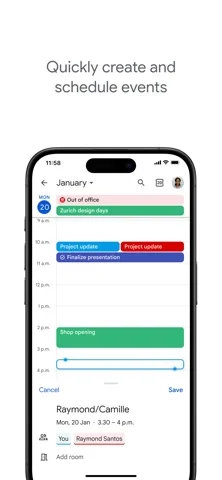
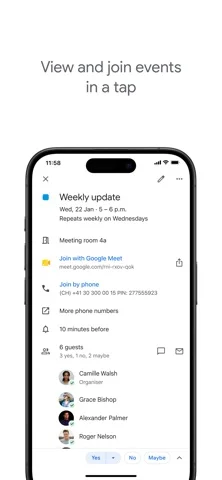
Developer-provided iOS screenshots.
Features
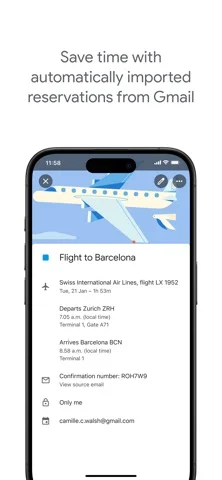
Bring reservations in from Gmail
Automatically add supported flight, hotel, concert and restaurant reservations from Gmail to the calendar.
Developer’s App Store feature description (iOS)See calendars side by side
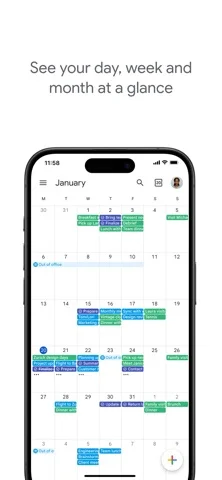
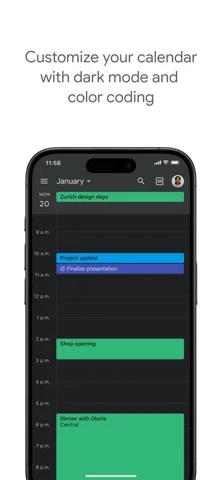
View Google calendars alongside other calendars on your device, including Exchange and iCloud, and switch between month, week and day layouts.
Developer’s App Store feature description (iOS)Share calendars with other people
Use shared calendars so family members or colleagues can view, add or modify events according to their access.
Developer’s App Store feature description (iOS)Keep tasks beside scheduled events
Create and manage tasks within Calendar, making planned events and to-dos available in the same app.
Developer’s App Store feature description (iOS)Add context to a meeting
Attach notes, pre-reading and other documents to an event, and add a Google Meet call for a remote meeting.
Developer’s App Store feature description (iOS)Sources & verification
- Google Calendar: Get Organized: developer's App Store listing (US)Primary source
- Developer’s App Store feature description (iOS)Primary source
Last verified: 22 September 2026. Features not listed here may be unverified.
Are you the developer? Claim this listing →