 Is There an App?
iMovie
by Apple
Arrange video clips into movies and trailers with titles, transitions and soundtracks.
What it does
Arrange video clips into movies and trailers with titles, transitions and soundtracks. Includes storyboard templates and effects, with project transfer to Mac.
Pricing: is iMovie free?
US App Store download: Free (USD), checked 2026-09-23. The full pricing model, in-app purchases and subscription requirements have not been verified.
Screenshots
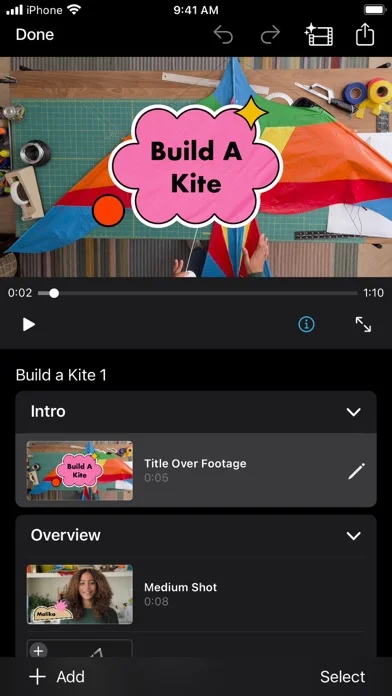
Developer-provided iOS screenshots.
Features
Automatic Magic Movies
Select an album or media group and let iMovie assemble titles, transitions, and music into a video.
Developer’s App Store feature description (iOS)Guided Storyboards
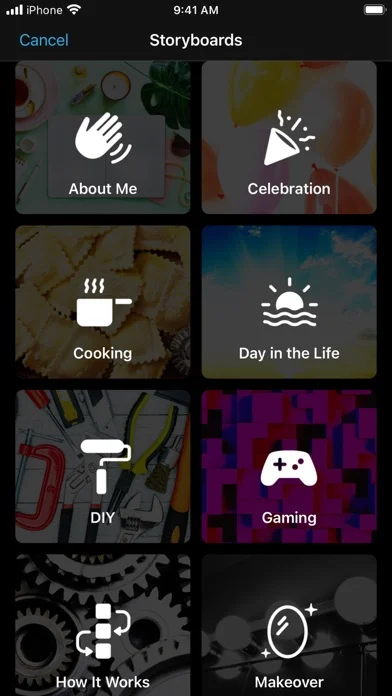
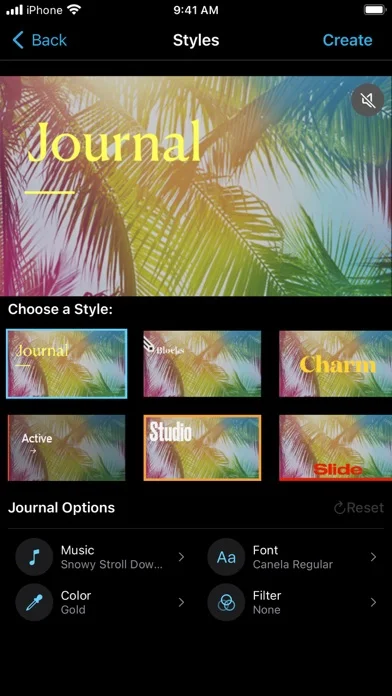
Start from 20 storyboard structures, fill their placeholder clips, and customize order and visual style.
Developer’s App Store feature description (iOS)Trailer templates
Build a trailer from 14 templates with scores, studio logos, cast names, credits, and chosen media.
Developer’s App Store feature description (iOS)Layered movie effects
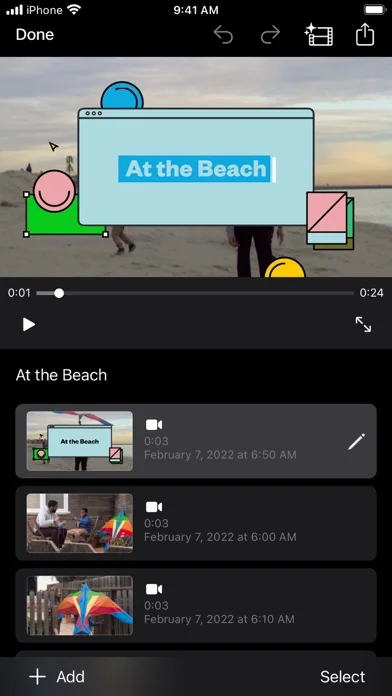
Add picture-in-picture, green-screen, split-screen, filters, titles, backgrounds, music, narration, and sound effects.
Developer’s App Store feature description (iOS)Project handoff and 4K export
Move projects between iPhone, iPad, and Mac, and export supported projects at up to 4K and 60 fps on compatible hardware.
Developer’s App Store feature description (iOS)Sources & verification
- iMovie: developer's App Store listing (US)Primary source
- Developer’s App Store feature description (iOS)Primary source
Last verified: 23 September 2026. Features not listed here may be unverified.
Are you the developer? Claim this listing →