 Is There an App?

Koder Code Editor
by Reny Mustika
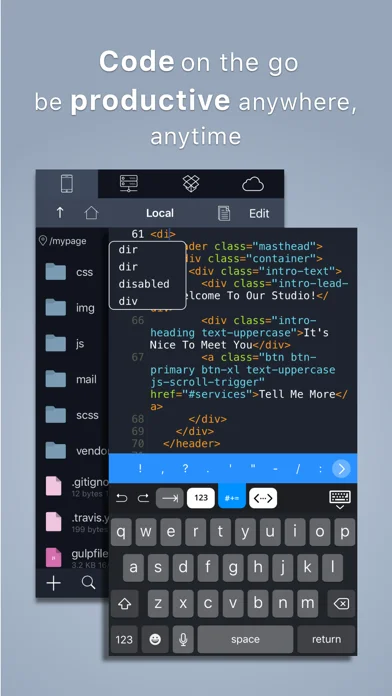
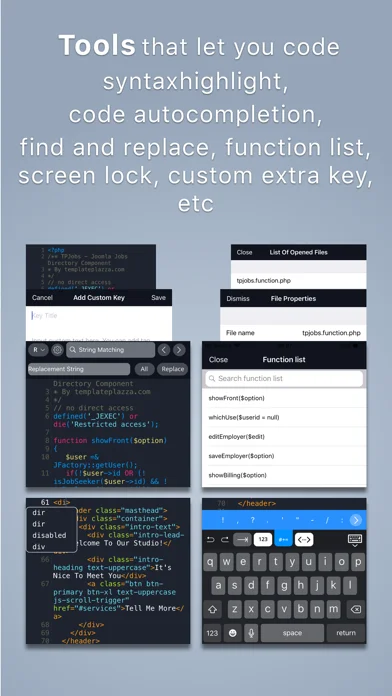
Edit code with completion and snippets, connect to remote files and use a built-in SSH terminal.
iOSPricing not verified
Visit official websiteWhat it does
Edit code with completion and snippets, connect to remote files and use a built-in SSH terminal. Synchronize folders between local and FTP projects.
Pricing: is Koder Code Editor free?
US App Store download: Free (USD), checked 2026-09-23. The full pricing model, in-app purchases and subscription requirements have not been verified.
Screenshots
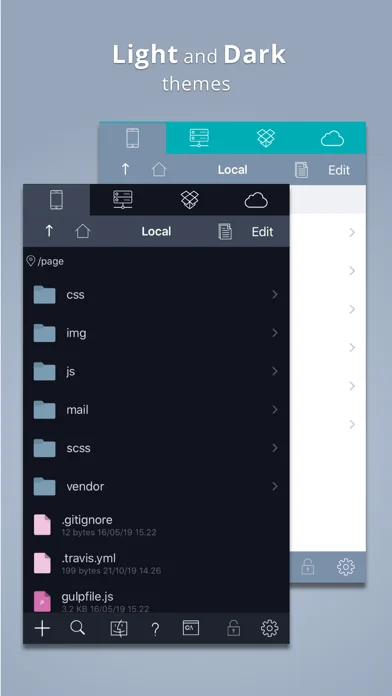
Developer-provided iOS screenshots.
Features
Syntax highlighting
Syntax Highlighting ( Supports more than 80 languages.
Developer’s App Store feature description (iOS)Local and remote files
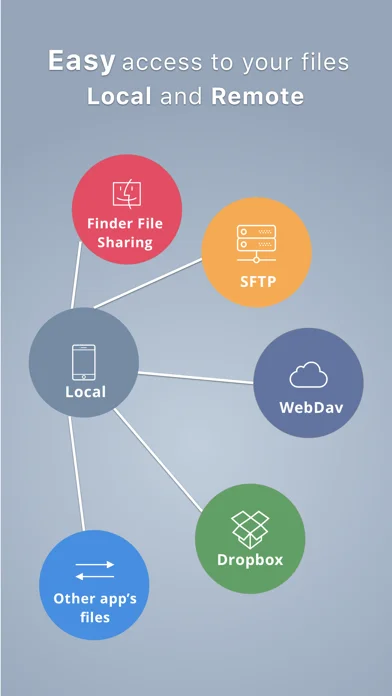
Access and Manage your Dropbox, (S)FTP, webdav and local files easily.
Developer’s App Store feature description (iOS)Sources & verification
- Koder Code Editor: developer's App Store listing (US)Primary source
- Developer’s App Store feature description (iOS)Primary source
Last verified: 23 September 2026. Features not listed here may be unverified.
Are you the developer? Claim this listing →