 Is There an App?

Microsoft Authenticator
by Microsoft Corporation
Approve sign-ins and generate verification codes.
What it does
Approve Microsoft sign-ins or generate time-based codes for supported accounts. Code generation works without a network connection.
Pricing: is Microsoft Authenticator free?
US App Store download: Free (USD), checked 2026-09-22. The full pricing model, in-app purchases and subscription requirements have not been verified.
Screenshots
Developer-provided iOS screenshots.
Features
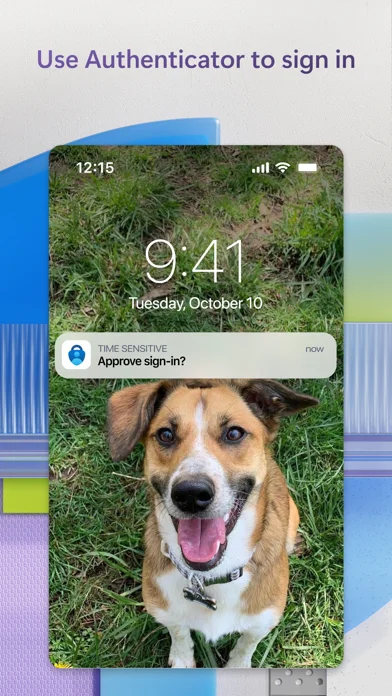
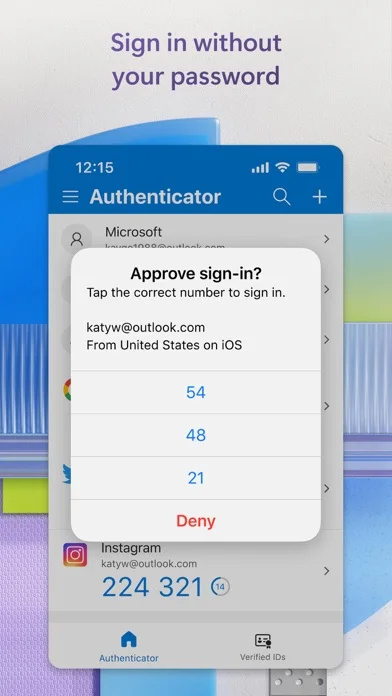
Approve a sign-in notification
For an account configured to use it, approve the notification sent to Authenticator as the additional sign-in step.
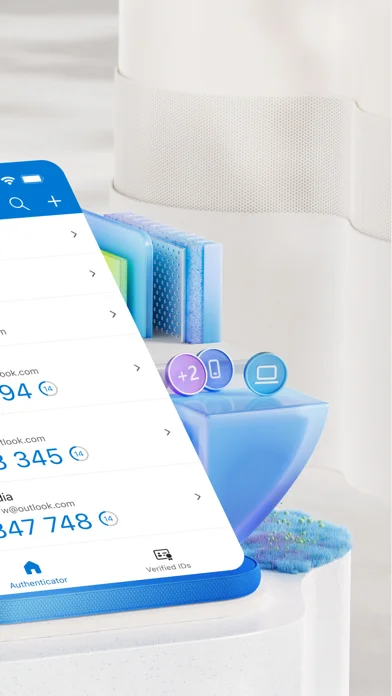
Developer’s App Store feature description (iOS)Generate one-time codes offline
Generate time-based one-time passwords without a network connection. The displayed code has a countdown before it changes.
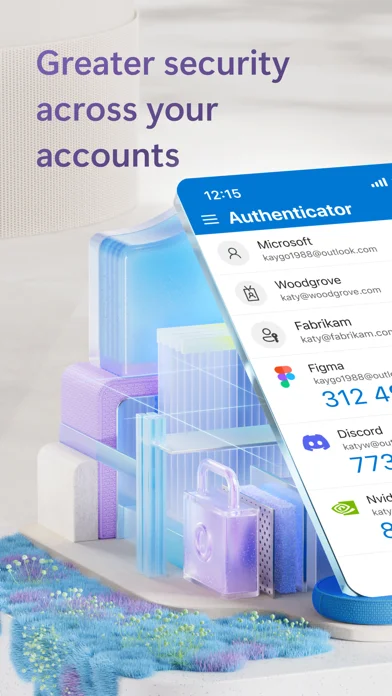
Developer’s App Store feature description (iOS)Manage multiple supported accounts
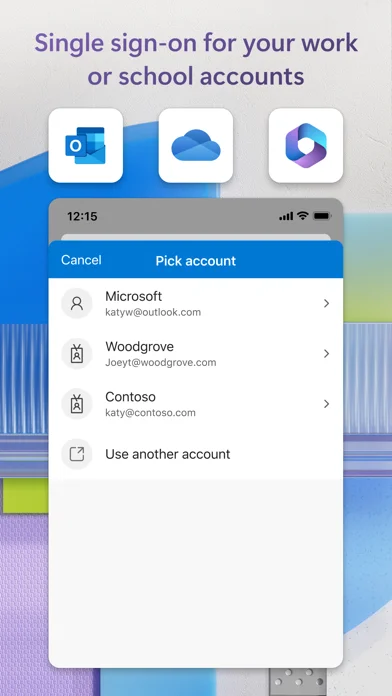
Add several accounts, including supported non-Microsoft services such as GitHub or Google, rather than keeping a separate authenticator for each.
Developer’s App Store feature description (iOS)Use passwordless Microsoft sign-in
For supported Microsoft account sign-ins, enter a username and approve the notification on your phone using a fingerprint, Face ID or PIN.
Developer’s App Store feature description (iOS)Scan setup QR codes
Use the camera permission to scan a setup QR code when adding an account to Authenticator.
Developer’s App Store feature description (iOS)Sources & verification
- Microsoft Authenticator: developer's App Store listing (US)Primary source
- Developer’s App Store feature description (iOS)Primary source
Last verified: 22 September 2026. Features not listed here may be unverified.
Are you the developer? Claim this listing →