 Is There an App?

MotionBook - Draw & Animate
by 亮 彭
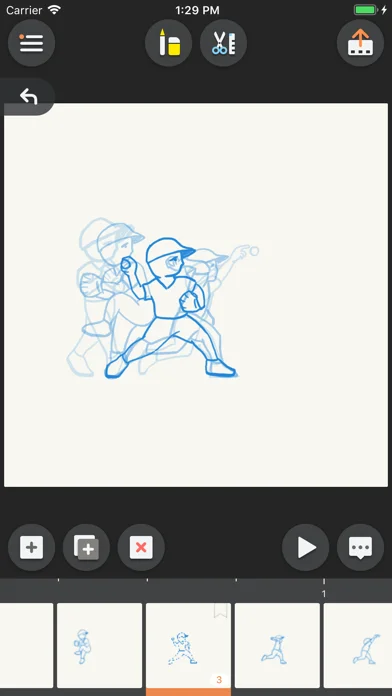
Draw frame-by-frame animations with a timeline and onion skinning, then export videos or GIFs and synchronize projects through iCloud.
What it does
Draw frame-by-frame animations with a timeline and onion skinning, then export videos or GIFs and synchronize projects through iCloud.
Pricing: is MotionBook - Draw & Animate free?
US App Store download: Free (USD), checked 2026-09-23. The full pricing model, in-app purchases and subscription requirements have not been verified.
Screenshots
Developer-provided iOS screenshots.
Features
Pressure-sensitive drawing tools
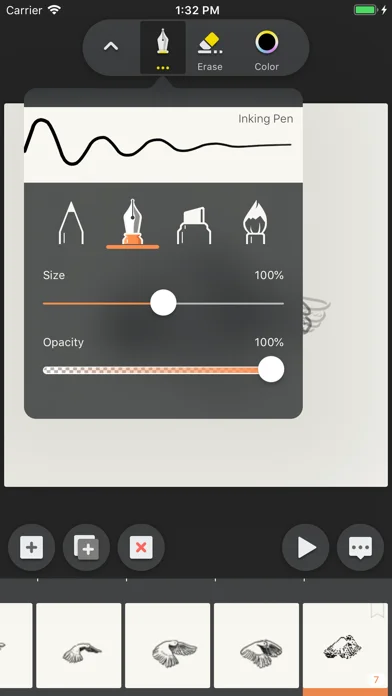
A natural feel pen and eraser tool set, which provide various artistic effects include Pencil, Inking Pen, Marker, Paint Brush, Hard & Soft Erasers. And fully support pressure sensitivity of Apple Pencil.
Developer’s App Store feature description (iOS)Custom color palettes
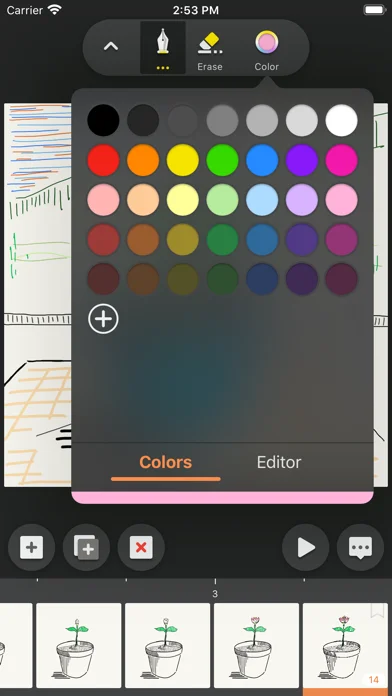
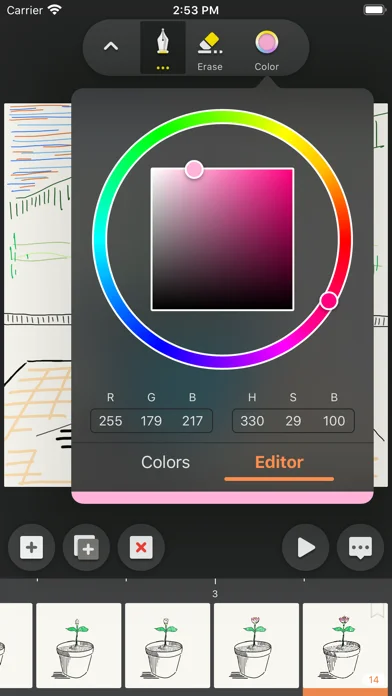
Use predefined color palette, or customize your own palette.
Developer’s App Store feature description (iOS)Animation timeline and frame rate
A "Timeline" to easily manage all your pages. And you can also customize FPS (Frames Per Second).
Developer’s App Store feature description (iOS)Onion-skin reference
The "Onion Skin" option allows you to see previous and next pages as reference.
Developer’s App Store feature description (iOS)Sources & verification
- MotionBook - Draw & Animate: developer's App Store listing (US)Primary source
- Developer’s App Store feature description (iOS)Primary source
Last verified: 23 September 2026. Features not listed here may be unverified.
Are you the developer? Claim this listing →