 Is There an App?
Notability: AI Notes & Planner
by Ginger Labs
Combine handwritten notes, document markup and synchronized audio.
What it does
Combine handwritten notes, document markup and synchronized audio. Optional upgrades add features, with both subscription and Classic purchase choices described.
Pricing: is Notability: AI Notes & Planner free?
US App Store download: Free (USD), checked 2026-09-23. Includes free functionality with optional paid features or plans. Feature availability depends on the tier.
Screenshots
Developer-provided iOS screenshots.
Features
Combine handwriting and typed notes
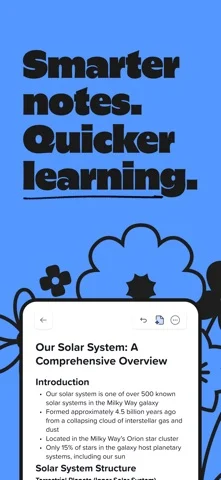
Write, type or sketch on a page and combine text, images, diagrams and handwriting.
Developer’s App Store feature description (iOS)Annotate imported documents
Mark up PDFs, lecture slides and other documents, or fill out forms with note-taking tools.
Developer’s App Store feature description (iOS)Replay recordings alongside your writing
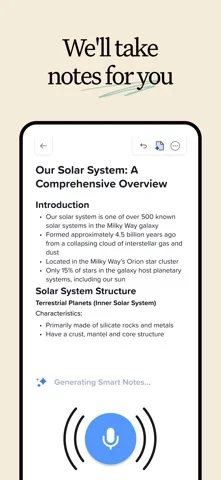
Recorded audio is synchronized to the point when a note was written. Live transcription is listed among subscription upgrades.
Developer’s App Store feature description (iOS)Study with AI-generated practice
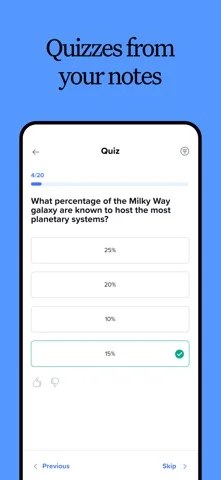
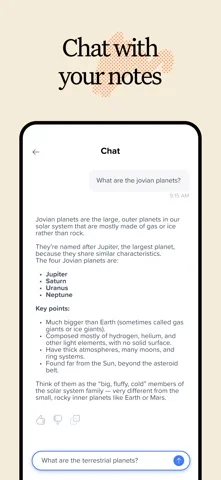
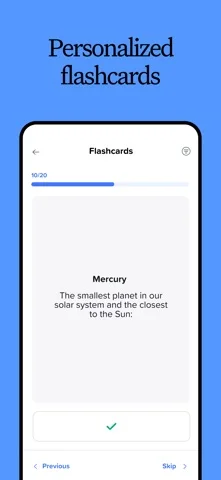
Subscription study tools include personalized quizzes, flashcards and chat based on your notes.
Developer’s App Store feature description (iOS)Present and compare notes
View two notes side by side or present a note full screen with a laser pointer.
Developer’s App Store feature description (iOS)Sources & verification
- Notability: AI Notes & Planner: developer's App Store listing (US)Primary source
- Developer’s App Store feature description (iOS)Primary source
Last verified: 23 September 2026. Features not listed here may be unverified.
Are you the developer? Claim this listing →