 Is There an App?

Notebloc Scanner - Scan to PDF
by Notebloc Scanner SCP
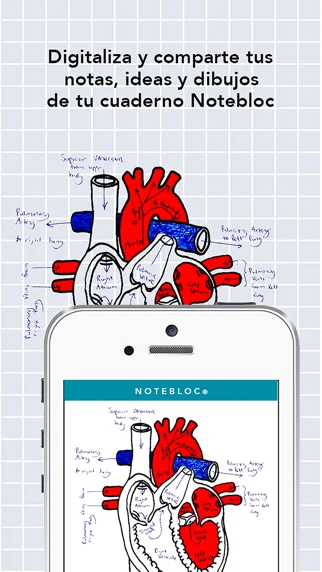
Scan documents into PDF or JPG, correct perspective and organize pages.
What it does
Scan documents into PDF or JPG, correct perspective and organize pages. The listing describes free batch scanning, document editing and text extraction.
Pricing: is Notebloc Scanner - Scan to PDF free?
US App Store download: Free (USD), checked 2026-09-23. The developer describes free core use; check the listing for eligibility and service limits.
Screenshots
Developer-provided iOS screenshots.
Features
Perspective-corrected scanning
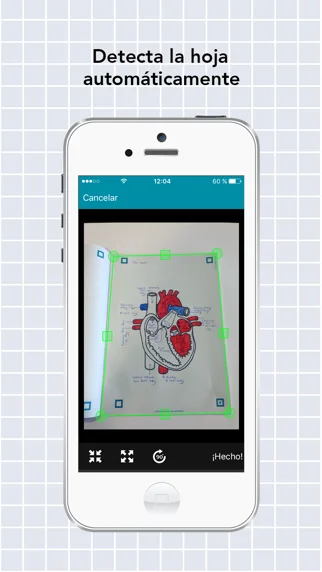
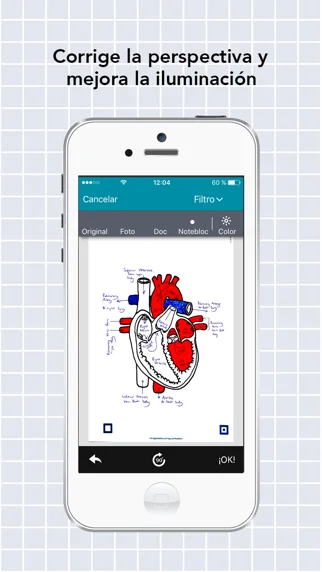
Scan notes, receipts, drawings, and other pages with automatic perspective and lighting correction.
Developer’s App Store feature description (iOS)Batch page scanning
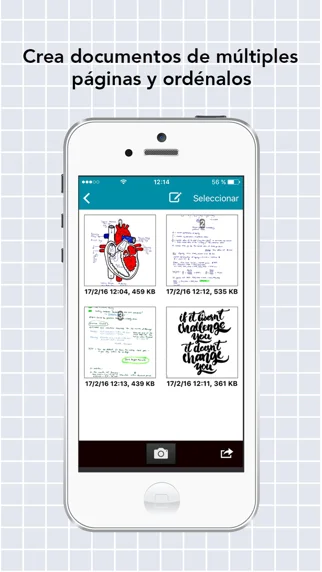
Capture several pages consecutively into a document.
Developer’s App Store feature description (iOS)Watermark-free scans
Create scanned documents without adding a watermark.
Developer’s App Store feature description (iOS)Image-to-PDF editing
Crop and edit imported or captured images and convert them to PDF.
Developer’s App Store feature description (iOS)Multilingual OCR
Extract, copy, edit, or share text from images using OCR in English and 15 additional languages.
Developer’s App Store feature description (iOS)Sources & verification
- Notebloc Scanner - Scan to PDF: developer's App Store listing (US)Primary source
- Developer’s App Store feature description (iOS)Primary source
Last verified: 23 September 2026. Features not listed here may be unverified.
Are you the developer? Claim this listing →