 Is There an App?

Notes Writer: PDF, Voice, AI
by Kairoos Solutions SL
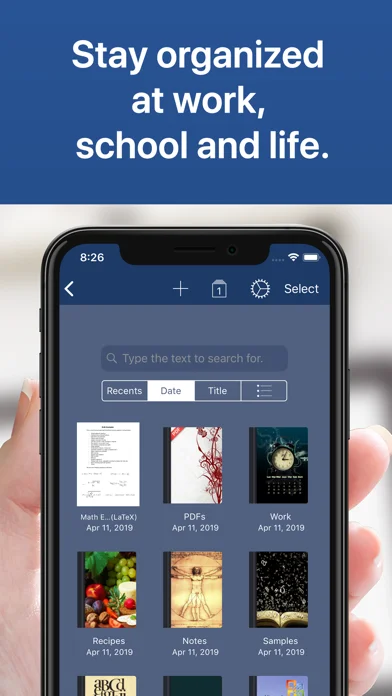
Write rich-text or Markdown notes, annotate PDFs and organize documents in notebooks.
What it does
Write rich-text or Markdown notes, annotate PDFs and organize documents in notebooks. Includes form filling, signatures and camera-based document scanning.
Pricing: is Notes Writer: PDF, Voice, AI free?
US App Store download: Free (USD), checked 2026-09-23. The full pricing model, in-app purchases and subscription requirements have not been verified.
Screenshots
Developer-provided iOS screenshots.
Features
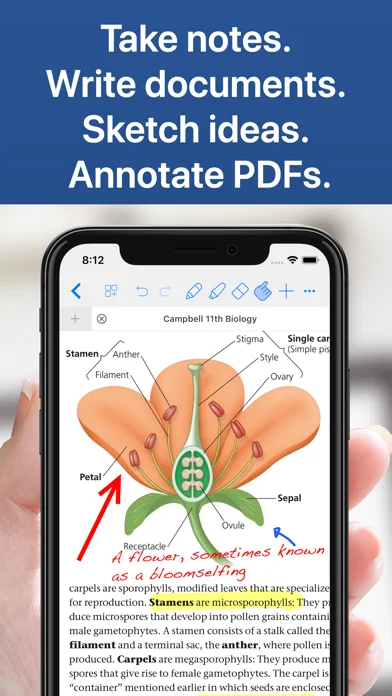
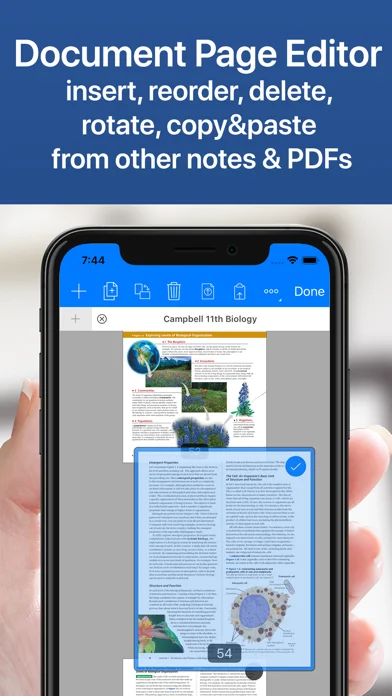
Write and annotate PDFs
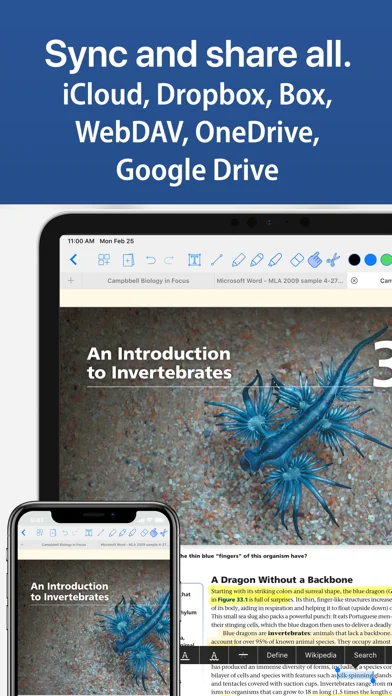
Use handwriting tools, text, shapes, signatures and audio on PDF notes, with page organization and form filling.
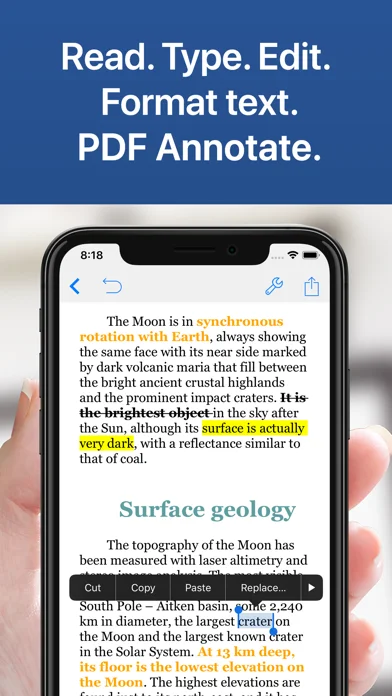
Developer’s App Store feature description (iOS)Edit documents in multiple formats
Work with Word, RTF, Markdown and plain text, switching between documents in tabs.
Developer’s App Store feature description (iOS)Capture and transcribe recordings
Record lectures or meetings, adjust playback speed and generate transcripts to revisit the material.
Developer’s App Store feature description (iOS)Outline ideas and build whiteboards
Combine images and recordings on whiteboards or organize nested outline branches with OPML import and export.
Developer’s App Store feature description (iOS)Organize longer writing projects
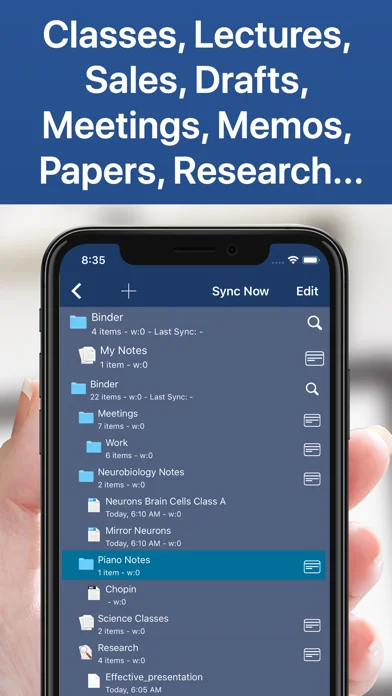
Use the Binder and Corkboard to arrange sections and research, save snapshots and compile a document or ebook.
Developer’s App Store feature description (iOS)Sources & verification
- Notes Writer: PDF, Voice, AI: developer's App Store listing (US)Primary source
- Developer’s App Store feature description (iOS)Primary source
Last verified: 23 September 2026. Features not listed here may be unverified.
Are you the developer? Claim this listing →