 Is There an App?

Notesnook: Private notepad
by Streetwriters LLC
Organize encrypted notes with nested notebooks, tags and links.
What it does
Organize encrypted notes with nested notebooks, tags and links. Free use includes unlimited notes and devices, while paid plans add storage and advanced tools.
Pricing: is Notesnook: Private notepad free?
US App Store download: Free (USD), checked 2026-09-23. Includes free functionality with optional paid features or plans. Feature availability depends on the tier.
Screenshots
Developer-provided iOS screenshots.
Features
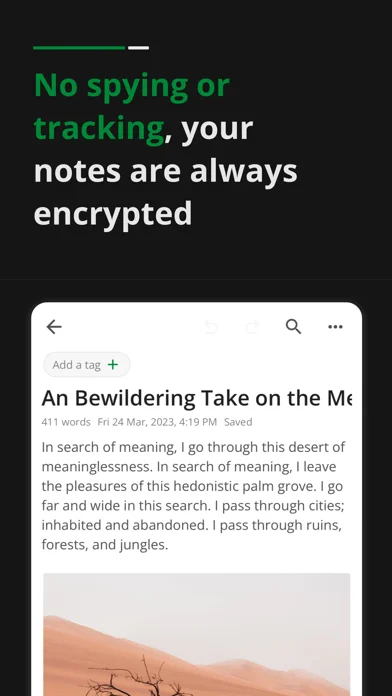
Sync notes with device-side encryption
The developer describes always-on end-to-end encryption before notes reach the cloud, including notebook and tag names.
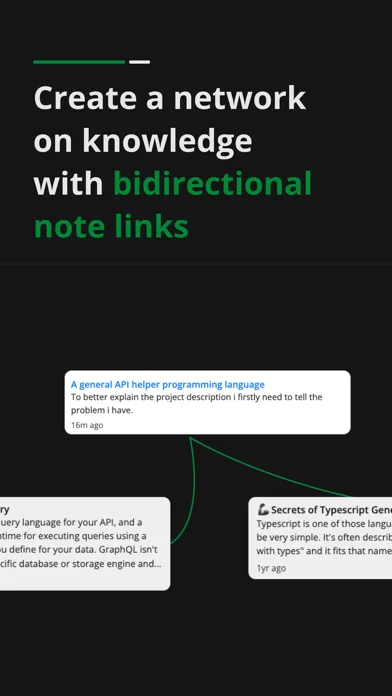
Developer’s App Store feature description (iOS)Organize a linked note library
Use nested notebooks, tags, colors, pins and favorites, and link notes to build a personal wiki.
Developer’s App Store feature description (iOS)Write structured notes
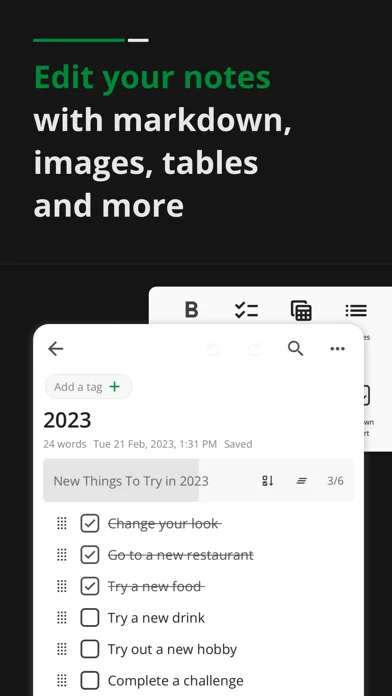
Use headings, tables, code blocks, math and Markdown. Full-quality images are listed as a Pro feature.
Developer’s App Store feature description (iOS)Import existing notes and files
Bring notes, notebooks and tags from another app, or import Markdown and HTML files.
Developer’s App Store feature description (iOS)Save web reading and publish notes
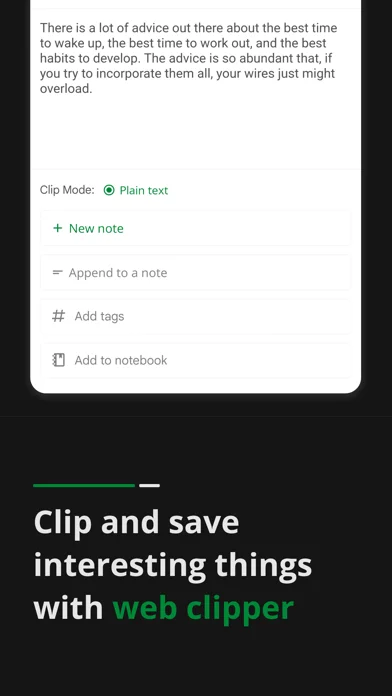
The web clipper saves articles for offline reading, and individual notes can be published through a shareable link.
Developer’s App Store feature description (iOS)Sources & verification
- Notesnook: Private notepad: developer's App Store listing (US)Primary source
- Developer’s App Store feature description (iOS)Primary source
Last verified: 23 September 2026. Features not listed here may be unverified.
Are you the developer? Claim this listing →