 Is There an App?

OmniFocus 4
by The Omni Group
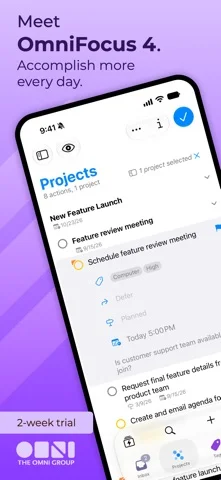
Organize tasks into projects with tags, dates and custom views.
What it does
Organize tasks into projects with tags, dates and custom views. The listing offers a trial and license purchase, with Pro features and encrypted syncing.
Pricing: is OmniFocus 4 free?
US App Store download: Free (USD), checked 2026-09-23. The full pricing model, in-app purchases and subscription requirements have not been verified.
Screenshots
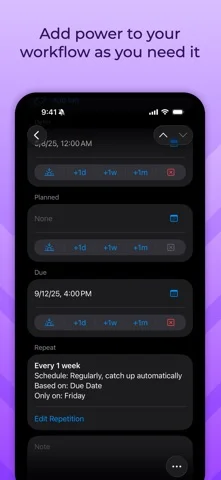
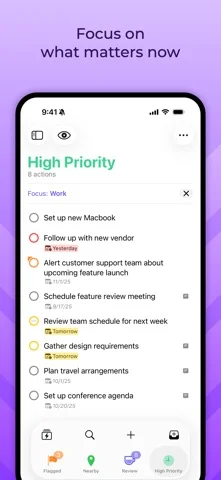
Developer-provided iOS screenshots.
Features
Organize tasks by project, tag and date
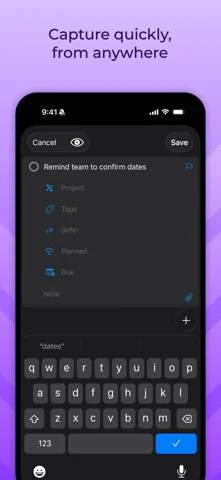
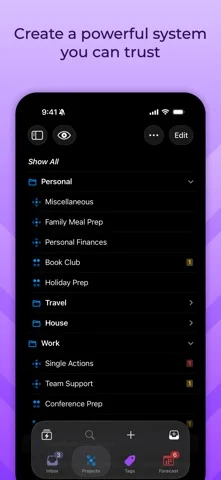
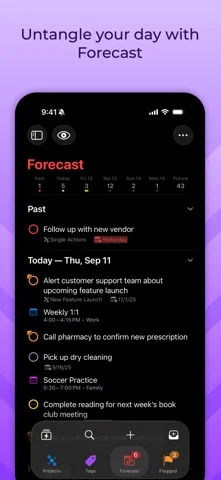
Capture tasks and structure them using projects, tags and dates to decide what to work on next.
Developer’s App Store feature description (iOS)Navigate work through perspectives
Use the Perspectives Bar, Quick Open and navigation history to move through tasks.
Developer’s App Store feature description (iOS)Focus on selected projects with Pro
The Pro edition can narrow the view to particular projects or folders and customize the displayed information.
Developer’s App Store feature description (iOS)Sync through Omni's service
Use Omni's sync service across devices; the developer describes end-to-end encryption for synchronized data.
Developer’s App Store feature description (iOS)Use one license across Apple devices
A universal purchase covers OmniFocus 4 on Mac, iPhone, iPad, Apple Watch and Apple Vision Pro after the trial.
Developer’s App Store feature description (iOS)Sources & verification
- OmniFocus 4: developer's App Store listing (US)Primary source
- Developer’s App Store feature description (iOS)Primary source
Last verified: 23 September 2026. Features not listed here may be unverified.
Are you the developer? Claim this listing →