 Is There an App?

Microsoft OneDrive
by Microsoft Corporation
Store files and back up photos in the cloud.
What it does
Back up photos and videos, scan documents and share cloud files. A free storage allowance is available, with larger capacity and some features tied to paid plans.
Pricing: is Microsoft OneDrive free?
US App Store download: Free (USD), checked 2026-09-22. Includes free functionality with optional paid features or plans. Feature availability depends on the tier.
Screenshots
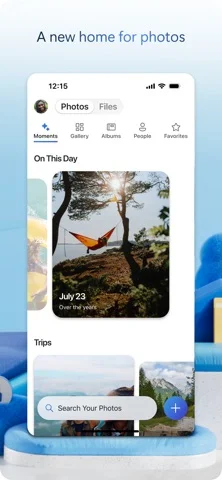
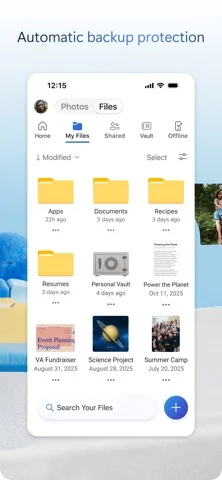
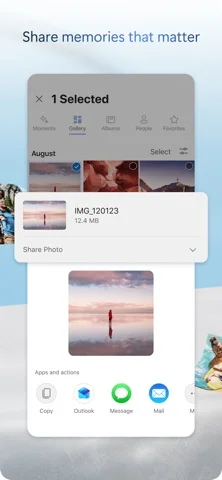
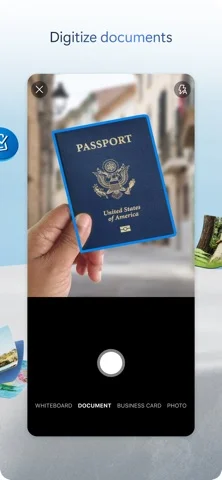
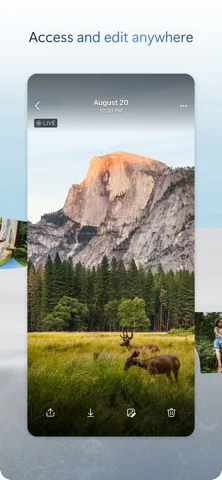
Developer-provided iOS screenshots.

Features
Back up the phone’s camera roll
Turn on Camera Upload to automatically back up photos and videos, then view them from a phone, computer or browser.
Developer’s App Store feature description (iOS)Scan and mark up documents
Scan paperwork, receipts, business cards or whiteboards. The mobile app also supports marking up, signing and sending documents.
Developer’s App Store feature description (iOS)Share files with controlled links
Share files and albums and receive editing notifications. Password-protected or expiring links are marked as Microsoft 365 Personal or Family features.
Developer’s App Store feature description (iOS)Add verification for important files
Personal Vault adds identity verification for access to important files. The size of the vault depends on the subscription.
Developer’s App Store feature description (iOS)Work on folders without a connection
Offline Folders provides access to whole folders without internet on a Microsoft 365 Personal or Family subscription. Office apps can edit documents and save changes when reconnected.
Developer’s App Store feature description (iOS)Sources & verification
- Microsoft OneDrive: developer's App Store listing (US)Primary source
- Developer’s App Store feature description (iOS)Primary source
Last verified: 22 September 2026. Features not listed here may be unverified.
Are you the developer? Claim this listing →