 Is There an App?
Microsoft OneNote
by Microsoft Corporation
Capture and organize notes in digital notebooks.
What it does
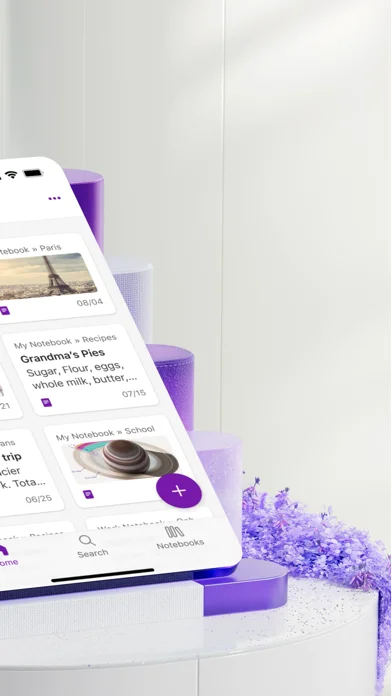
Capture typed or handwritten notes, scan text from documents, and record voice notes. Notebooks support sharing and require a Microsoft account.
Pricing: is Microsoft OneNote free?
US App Store download: Free (USD), checked 2026-09-22. Includes free functionality with optional paid features or plans. Feature availability depends on the tier.
Screenshots
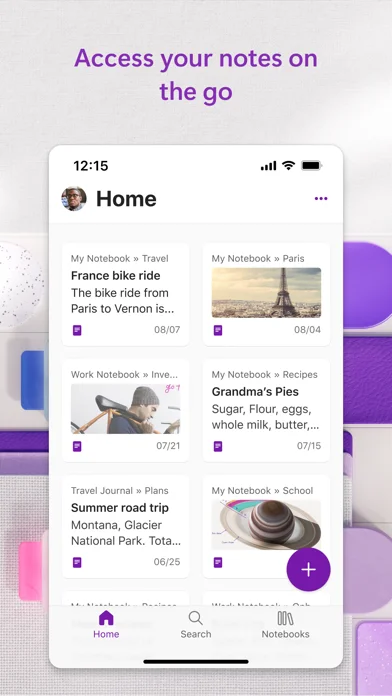
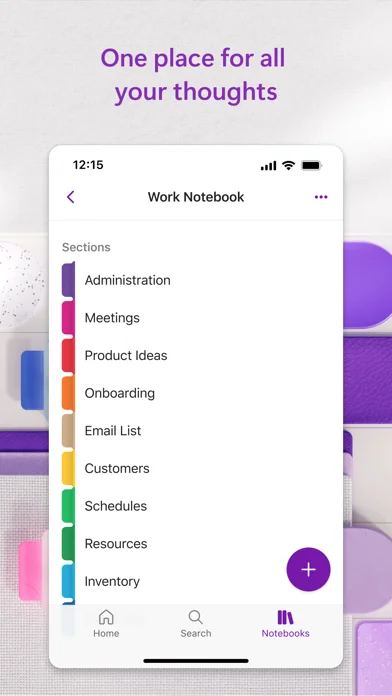
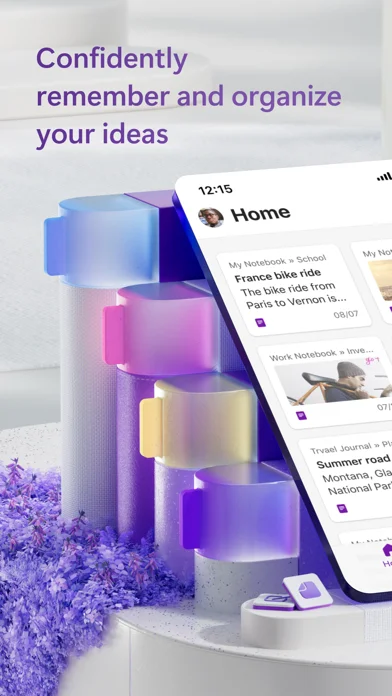
Developer-provided iOS screenshots.
Features
Capture notes in different forms
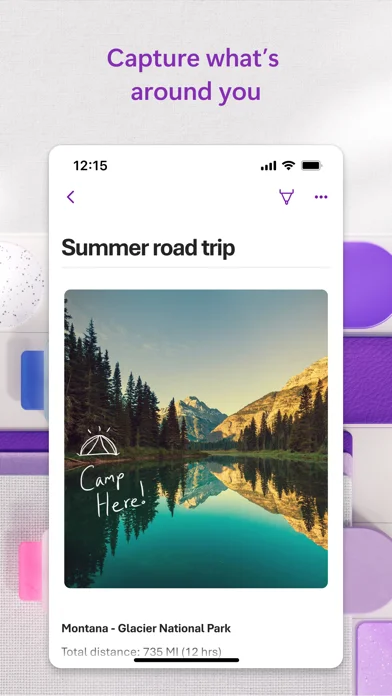
Combine typed notes, handwriting, images and voice in a notebook, choosing the capture method that suits the material.
Developer’s App Store feature description (iOS)Extract text from scanned material
Scan documents or pictures to extract their text. Image tools include cropping, filters and ink annotations.
Developer’s App Store feature description (iOS)Record and dictate notes
Use the microphone control to record a voice note or dictate text for later reference. Some supported dictation languages are described as preview features.
Developer’s App Store feature description (iOS)Mark follow-up work
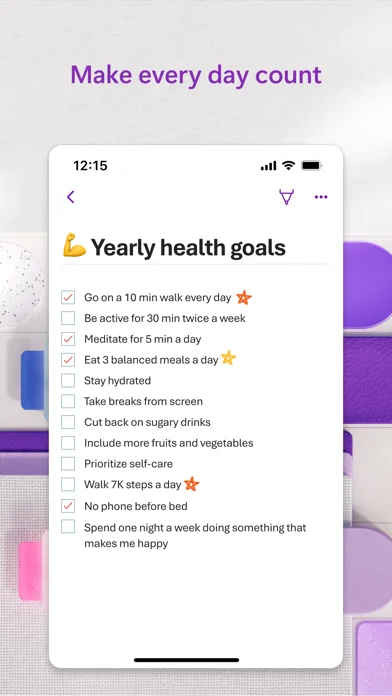
Use to-do lists, follow-up markers and custom labels to distinguish actions from the rest of your notes.
Developer’s App Store feature description (iOS)Share notebooks through your account
Keep ideas available across devices and collaborate on notes. Getting started requires a Microsoft account or an account provided by your work or school.
Developer’s App Store feature description (iOS)Sources & verification
- Microsoft OneNote: developer's App Store listing (US)Primary source
- Developer’s App Store feature description (iOS)Primary source
Last verified: 22 September 2026. Features not listed here may be unverified.
Are you the developer? Claim this listing →