 Is There an App?
Opal: Screen Time Control
by Opal OS
Limit distracting apps and build more focused routines.
What it does
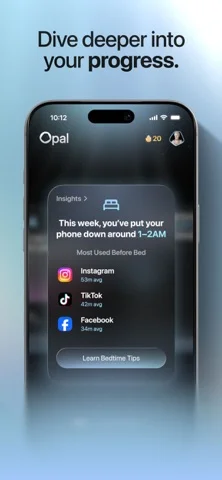
Choose app and website blocklists, schedule restrictions and set daily usage limits. Focus reports help track screen-time patterns.
Pricing: is Opal: Screen Time Control free?
US App Store download: Free (USD), checked 2026-09-22. The full pricing model, in-app purchases and subscription requirements have not been verified.
Screenshots
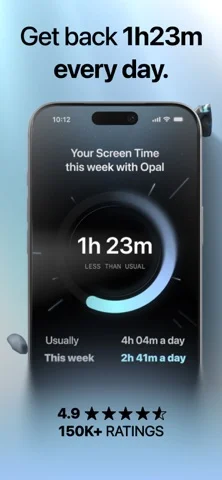
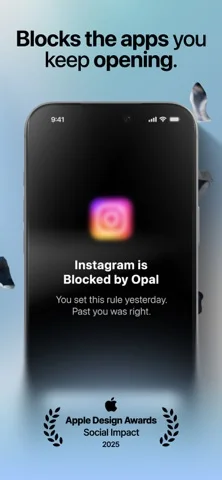
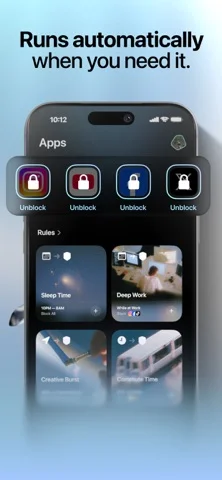
Developer-provided iOS screenshots.
Features
Build blocklists and allowlists
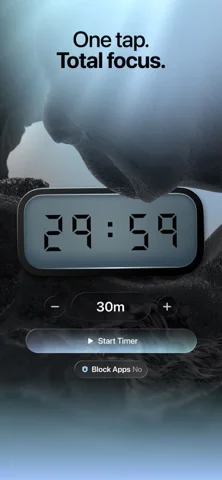
Choose apps, games and websites to block or allow during a focus session, rather than applying the same restriction to everything.
Developer’s App Store feature description (iOS)Set daily usage limits
Set a daily allowance for selected apps and websites, after which Opal blocks further use.
Developer’s App Store feature description (iOS)Schedule regular focus hours
Configure working hours, sleep periods or routines so blocking starts automatically during the week.
Developer’s App Store feature description (iOS)Review screen-time patterns
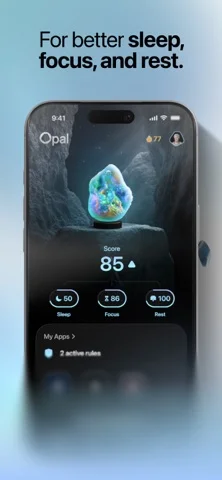
Use Focus Reports and Focus Score to review usage and see periods of focused or distracted time.
Developer’s App Store feature description (iOS)Connect sessions to iPhone automations
Integrate sessions with iPhone Focus Mode or Shortcuts, including triggers based on app openings, time or location.
Developer’s App Store feature description (iOS)Sources & verification
- Opal: Screen Time Control: developer's App Store listing (US)Primary source
- Developer’s App Store feature description (iOS)Primary source
Last verified: 22 September 2026. Features not listed here may be unverified.
Are you the developer? Claim this listing →