 Is There an App?
PDF Expert: Editor & Reader
by Readdle Technologies Limited
Read, annotate and edit PDF documents.
What it does
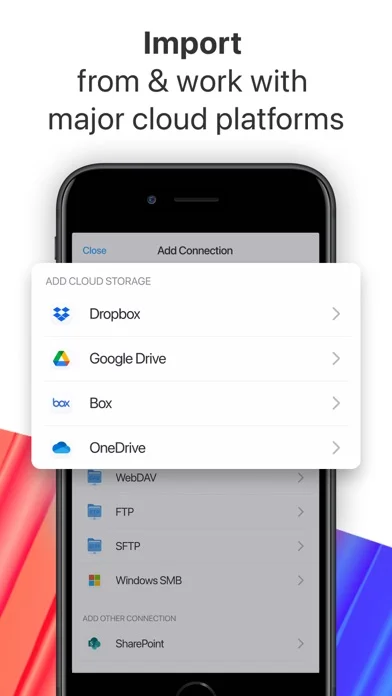
Read and annotate PDFs, fill forms and organize pages. Premium adds text editing and other tools across supported Apple devices.
Pricing: is PDF Expert: Editor & Reader free?
US App Store download: Free (USD), checked 2026-09-22. Includes free functionality with optional paid features or plans. Feature availability depends on the tier.
Screenshots
Developer-provided iOS screenshots.
Features
Read with an adjustable layout
Choose Day, Night or Sepia mode, scroll vertically or horizontally, search document text, or listen using text-to-speech.
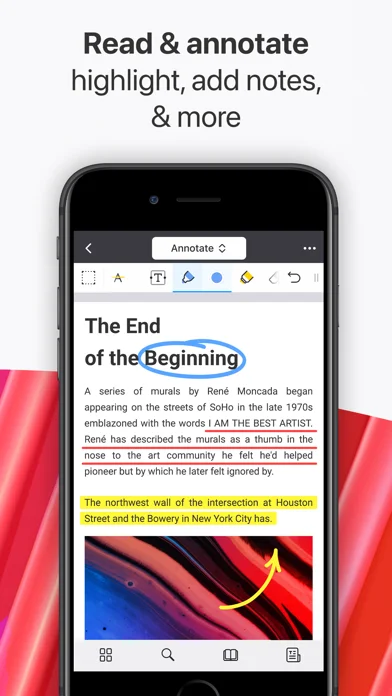
Developer’s App Store feature description (iOS)Annotate documents and add audio notes
Highlight or mark up a PDF using text, shapes, comments or stamps. Record a voice note and attach it to the document.
Developer’s App Store feature description (iOS)Fill forms and add signatures
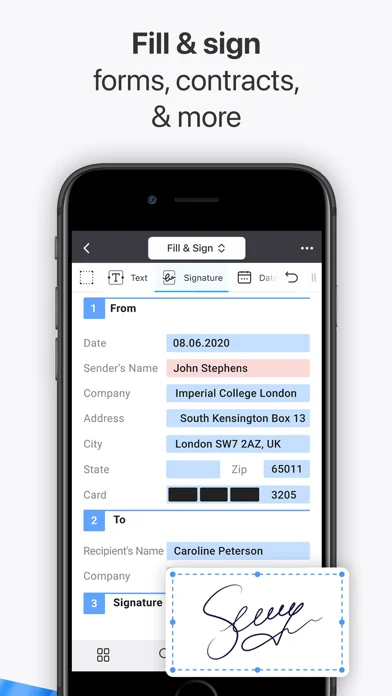
Complete text fields, checkboxes or radio buttons and add a drawn or image-based signature. The listing includes AcroForms and static XFA forms.
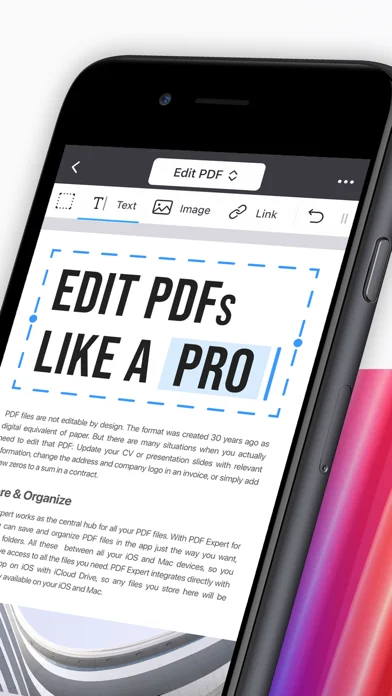
Developer’s App Store feature description (iOS)Edit PDF content with Premium
Premium lets you edit text directly, replace or resize images, and add links or outlines to a PDF.
Developer’s App Store feature description (iOS)Reorganize and convert PDFs with Premium
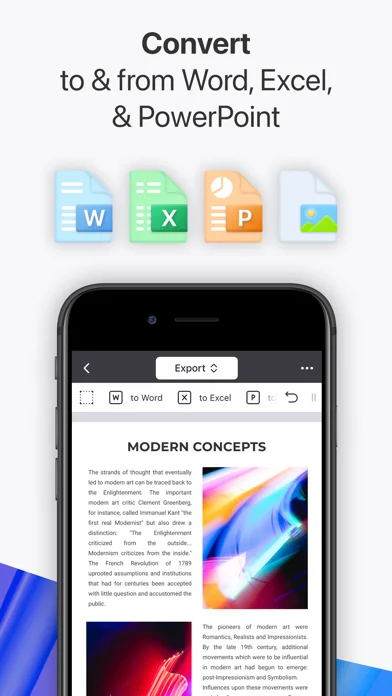
Merge or split files, rearrange pages, compress PDFs and convert between PDF and supported document or image formats. These tools are listed under Premium.
Developer’s App Store feature description (iOS)Sources & verification
- PDF Expert: Editor & Reader: developer's App Store listing (US)Primary source
- Developer’s App Store feature description (iOS)Primary source
Last verified: 22 September 2026. Features not listed here may be unverified.
Are you the developer? Claim this listing →