 Is There an App?
Photomator – Photo Editor
by Apple
Edit RAW photos with nondestructive color adjustments, selective masks and object repair.
What it does
Edit RAW photos with nondestructive color adjustments, selective masks and object repair. Includes batch editing, denoising and image upscaling.
Pricing: is Photomator – Photo Editor free?
US App Store download: Free (USD), checked 2026-09-23. The full pricing model, in-app purchases and subscription requirements have not been verified.
Screenshots
Developer-provided iOS screenshots.
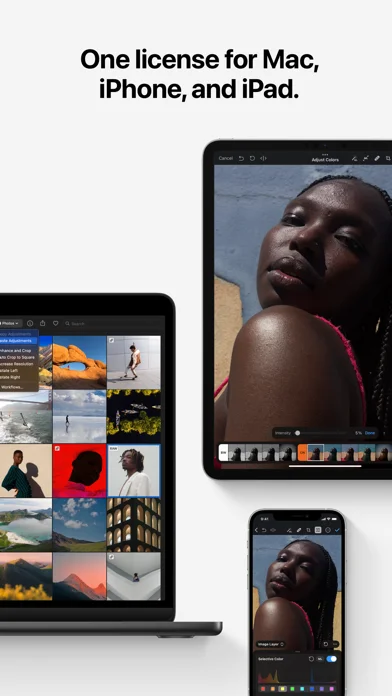
Features
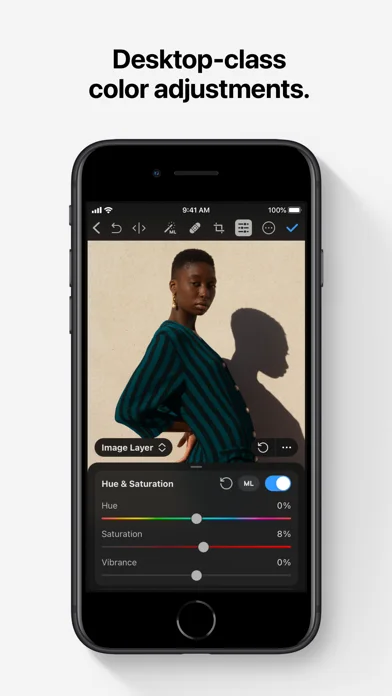
Nondestructive color editing
Adjust color with nondestructive controls so the original photo remains recoverable.
Developer’s App Store feature description (iOS)AI selections and masks
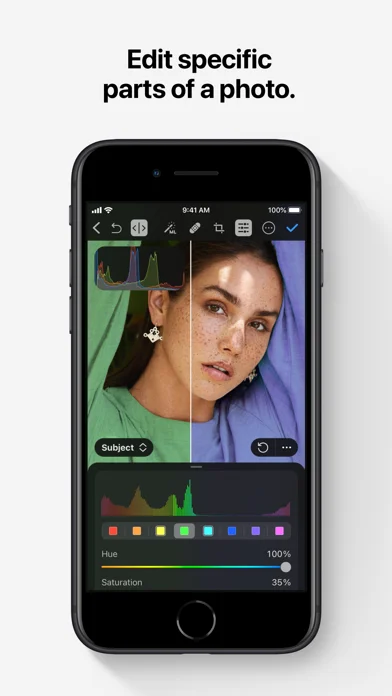
Select a subject, sky, or background automatically, then refine edits with gradient or brush masks.
Developer’s App Store feature description (iOS)Repair and image cleanup
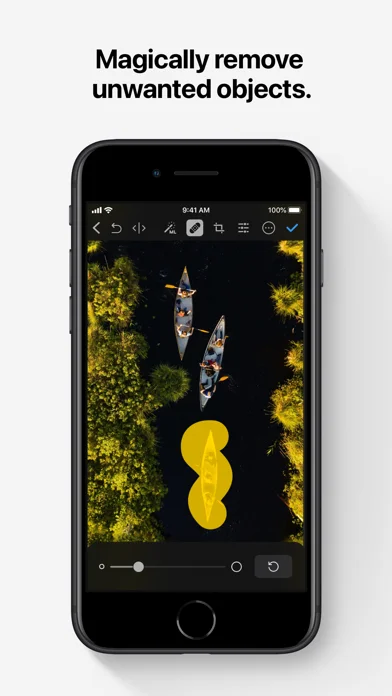
Remove unwanted objects and reduce camera noise, compression artifacts, or color banding.
Developer’s App Store feature description (iOS)RAW and batch workflows
Open more than 750 RAW formats and copy edits across photos or process large batches.
Developer’s App Store feature description (iOS)Cross-device edit sync
Use iCloud Drive to keep edits synchronized across Mac, iPhone, and iPad.
Developer’s App Store feature description (iOS)Sources & verification
- Photomator – Photo Editor: developer's App Store listing (US)Primary source
- Developer’s App Store feature description (iOS)Primary source
Last verified: 23 September 2026. Features not listed here may be unverified.
Are you the developer? Claim this listing →