 Is There an App?

Pixelmator Classic iOS
by Apple
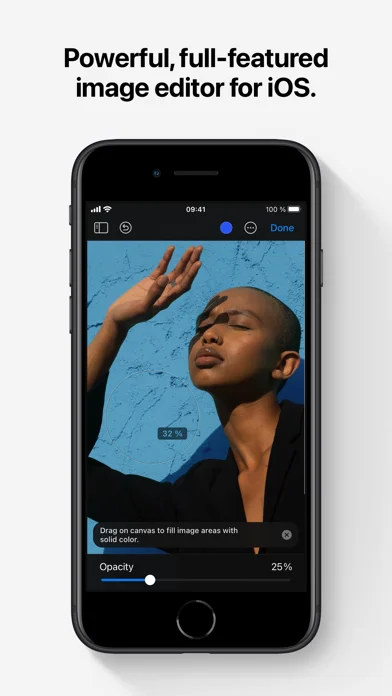
Create layered image compositions, retouch photos and paint on iPhone or iPad.
What it does
Create layered image compositions, retouch photos and paint on iPhone or iPad. This listing is the Classic iOS edition, with shape, text and background-removal tools.
Pricing: is Pixelmator Classic iOS free?
US App Store download: $9.99 (USD), checked 2026-09-23. The app has an upfront download price. Extra purchases or separate device editions may apply.
Screenshots
Developer-provided iOS screenshots.
Features
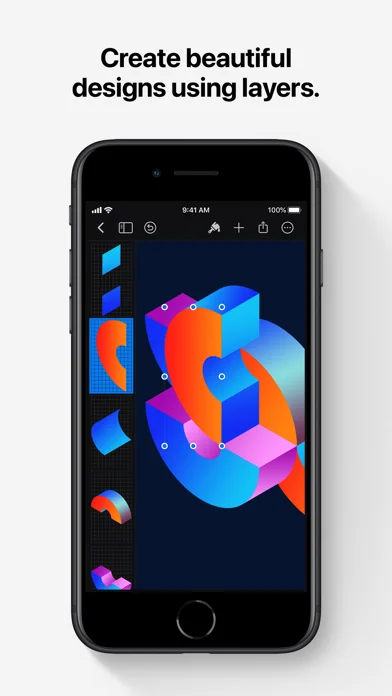
Layer-based compositions
Combine images, shapes, and text with grouped layers, blend modes, and nondestructive styles.
Developer’s App Store feature description (iOS)Subject and background selection
Automatically select a photo subject or remove a background for compositing between images.
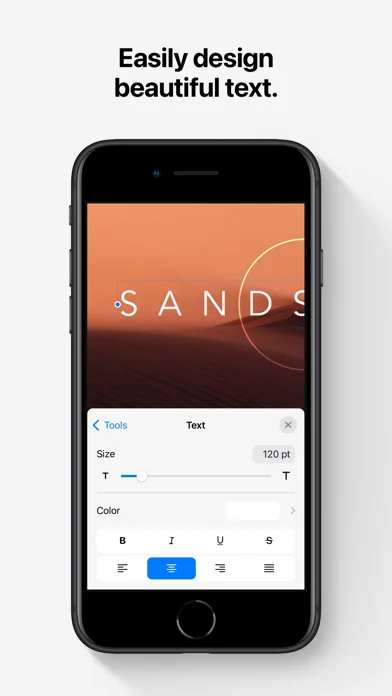
Developer’s App Store feature description (iOS)Vector shapes and styled text
Build flyers, logos, and other layouts with customizable vector shapes, fonts, and text styles.
Developer’s App Store feature description (iOS)Painting with Apple Pencil
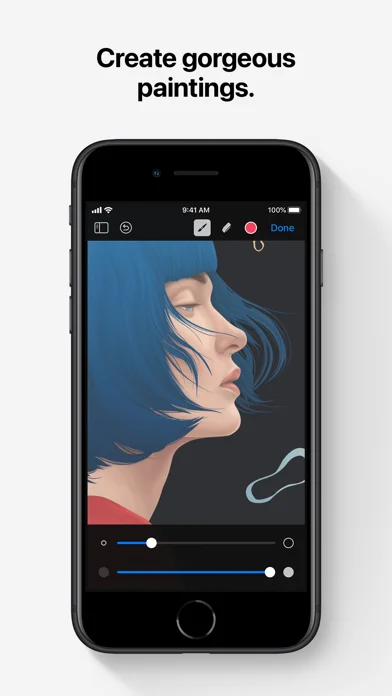
Paint with configurable brushes and Apple Pencil pressure, tilt, acceleration, and palm-rejection support.
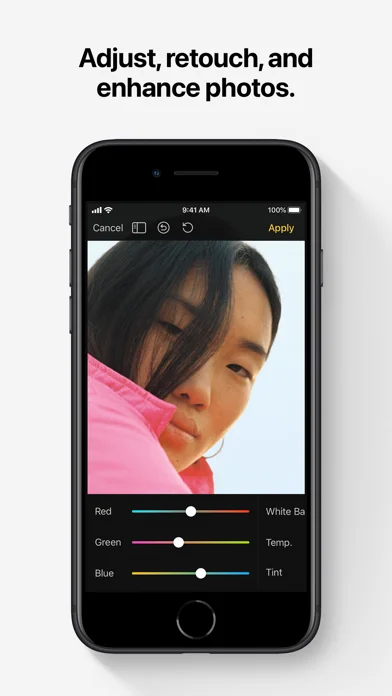
Developer’s App Store feature description (iOS)Photo repair and adjustment
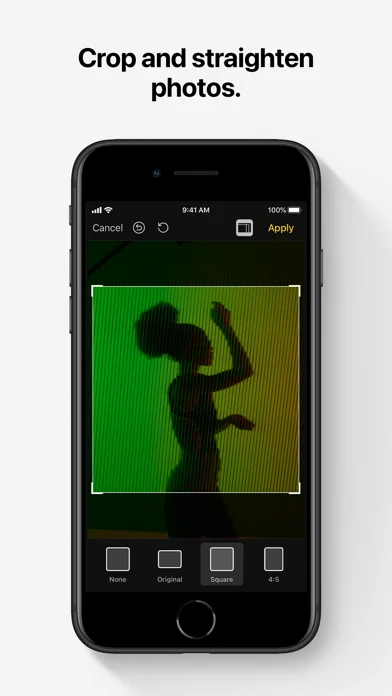
Use levels, curves, white balance, repair, clone, distort, blur, sharpen, and other effects to edit photos.
Developer’s App Store feature description (iOS)Sources & verification
- Pixelmator Classic iOS: developer's App Store listing (US)Primary source
- Developer’s App Store feature description (iOS)Primary source
Last verified: 23 September 2026. Features not listed here may be unverified.
Are you the developer? Claim this listing →