 Is There an App?
Proton Drive: Cloud Storage
by Proton AG
Store and share files with encrypted cloud storage.
What it does
Back up photos, organize files and share protected links. The developer describes end-to-end encryption, version recovery and a free storage allowance.
Pricing: is Proton Drive: Cloud Storage free?
US App Store download: Free (USD), checked 2026-09-22. Includes free functionality with optional paid features or plans. Feature availability depends on the tier.
Screenshots
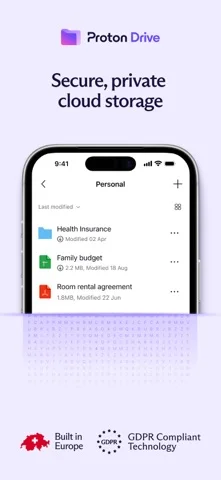
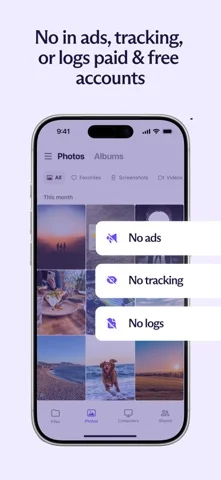
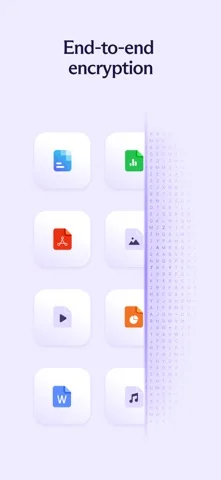
Developer-provided iOS screenshots.
Features
Store files in an encrypted cloud vault
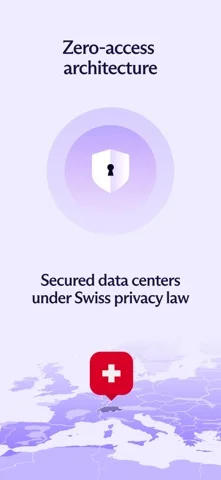
The developer describes end-to-end encrypted storage for files and metadata, with 5 GB available on the free account.
Developer’s App Store feature description (iOS)Back up photos in original quality
Automatically back up photos and videos and organize memories into albums in the app.
Developer’s App Store feature description (iOS)Share links with access limits
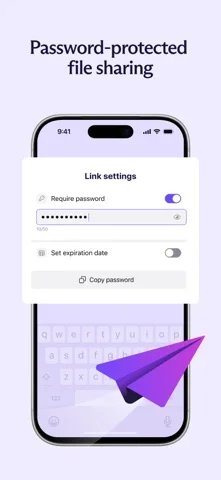
Share content using links with password and expiry settings, rather than giving someone unrestricted access to your whole drive.
Developer’s App Store feature description (iOS)View files offline and recover versions
Use offline viewing for available files and restore earlier file versions through version history.
Developer’s App Store feature description (iOS)Organize files and work on documents
Rename, move and delete files within the app. The developer also describes creating, editing and collaborating on documents.
Developer’s App Store feature description (iOS)Sources & verification
- Proton Drive: Cloud Storage: developer's App Store listing (US)Primary source
- Developer’s App Store feature description (iOS)Primary source
Last verified: 22 September 2026. Features not listed here may be unverified.
Are you the developer? Claim this listing →