 Is There an App?
GoPro Quik
by GoPro, Inc.
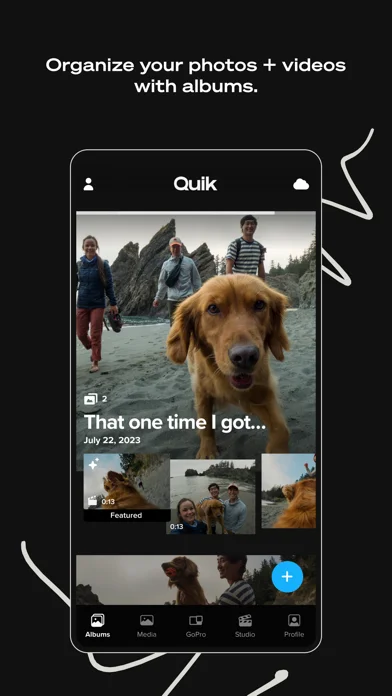
Organize camera footage and create highlight videos or custom edits.
What it does
Organize camera footage and create highlight videos or custom edits. Automatic edits, cloud storage and selected tools require a Premium or Premium+ subscription.
Pricing: is GoPro Quik free?
US App Store download: Free (USD), checked 2026-09-23. The full pricing model, in-app purchases and subscription requirements have not been verified.
Screenshots
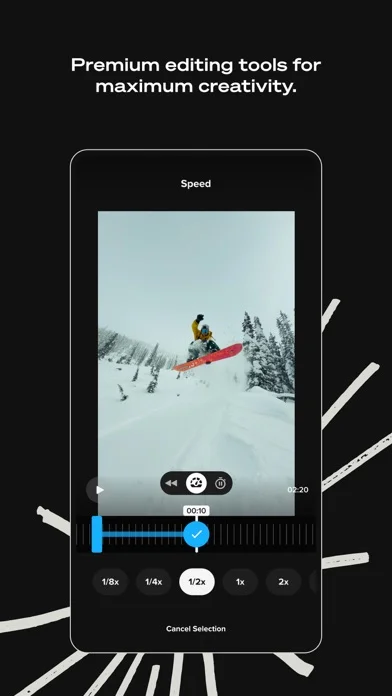
Developer-provided iOS screenshots.
Features
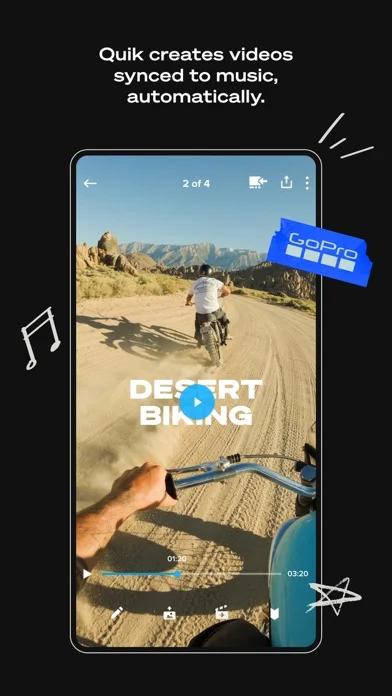
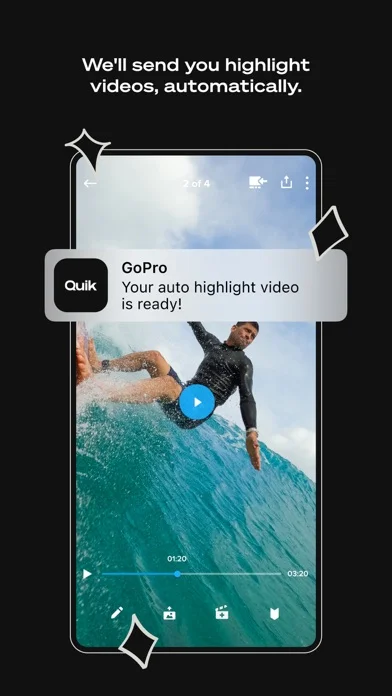
Automatic highlight edits
Let Quik select strong shots, synchronize them to music, add transitions, and make a shareable edit; the listing marks this Premium.
Developer’s App Store feature description (iOS)Cloud backup and device sync
Automatically upload imported media and edits for backup and cross-device access under supported subscription limits.
Developer’s App Store feature description (iOS)Manual edit tools
Adjust color and light, trim clips, add stickers, change framing, and apply themes, filters, or text overlays.
Developer’s App Store feature description (iOS)Beat-synchronized editing
Synchronize clips, transitions, and effects with the beat of selected music; the listing marks this Premium.
Developer’s App Store feature description (iOS)360-degree reframing
Set keyframes within 360 footage to choose views and export a conventional video or photo.
Developer’s App Store feature description (iOS)Sources & verification
- GoPro Quik: developer's App Store listing (US)Primary source
- Developer’s App Store feature description (iOS)Primary source
Last verified: 23 September 2026. Features not listed here may be unverified.
Are you the developer? Claim this listing →