 Is There an App?
Scanner Pro - Scan to PDF
by Readdle Technologies Limited
Digitize documents and extract text from scans.
What it does
Scan receipts and documents, correct page distortion and organize scans in folders. Text recognition makes scanned content searchable and reusable.
Pricing: is Scanner Pro - Scan to PDF free?
US App Store download: Free (USD), checked 2026-09-22. The full pricing model, in-app purchases and subscription requirements have not been verified.
Screenshots
Developer-provided iOS screenshots.
Features
Correct perspective while scanning
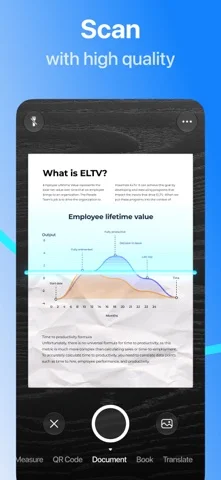
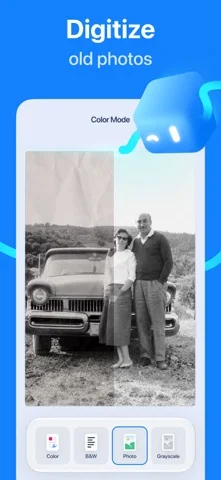
Capture documents, receipts or book pages as PDFs. The app detects borders and corrects perspective, distortion and shadows.
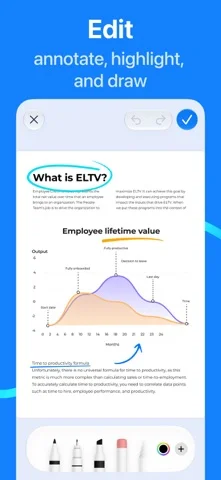
Developer’s App Store feature description (iOS)Mark up saved scans
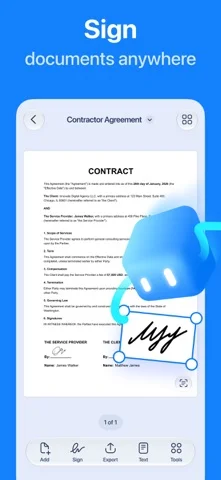
Highlight, write or draw on a scan while retaining the originally captured document.
Developer’s App Store feature description (iOS)Reuse text from scanned pages
Use OCR and full-text search to find words in scans, then copy or export recognized text to another app.
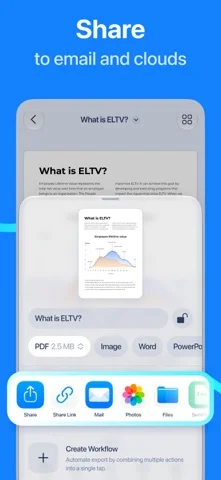
Developer’s App Store feature description (iOS)Organize and export with workflows
Create folders and use workflows to rename, send or upload scans in one step. Supported export destinations include cloud storage and WebDAV services.
Developer’s App Store feature description (iOS)Scan QR codes from the camera screen
Switch to QR Code Mode to capture and decode a code from the app’s camera interface.
Developer’s App Store feature description (iOS)Sources & verification
- Scanner Pro - Scan to PDF: developer's App Store listing (US)Primary source
- Developer’s App Store feature description (iOS)Primary source
Last verified: 22 September 2026. Features not listed here may be unverified.
Are you the developer? Claim this listing →