 Is There an App?

SSH Client - Secure ShellFish
by Anders Borum
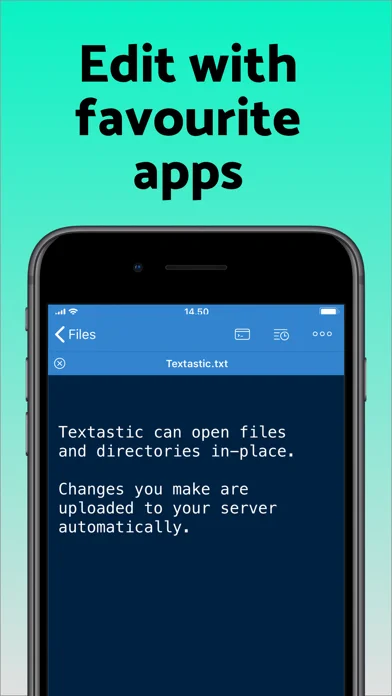
Connect to SSH servers, move files and access remote directories through the Files app.
What it does
Connect to SSH servers, move files and access remote directories through the Files app. The paid tier removes ads and unlocks additional upload and server options.
Pricing: is SSH Client - Secure ShellFish free?
US App Store download: Free (USD), checked 2026-09-23. Includes free functionality with optional paid features or plans. Feature availability depends on the tier.
Screenshots
Developer-provided iOS screenshots.
Features
SSH terminal and remote files
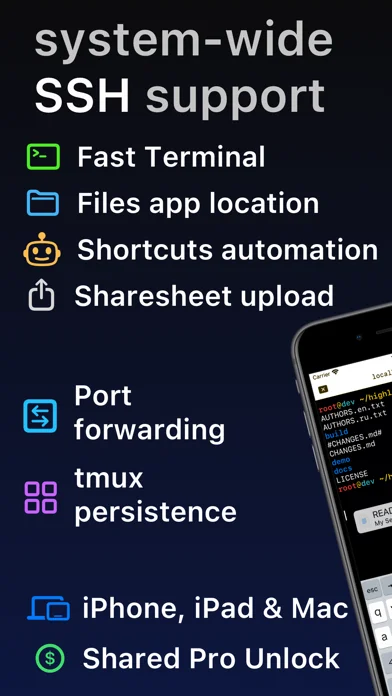
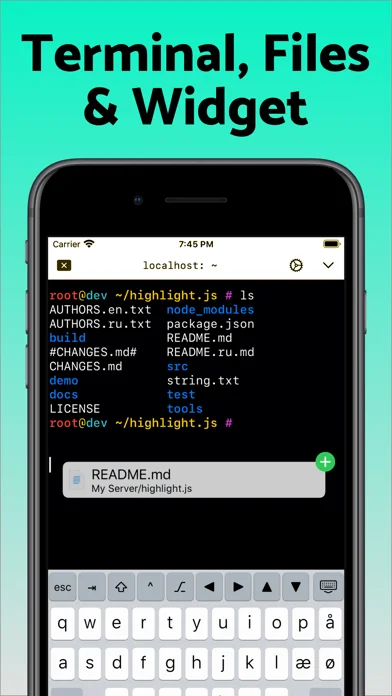
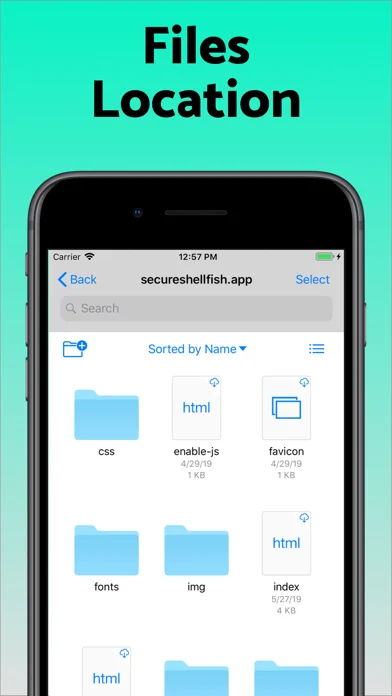
Connect to SSH servers in a terminal and browse their file systems through the iOS Files app.
Developer’s App Store feature description (iOS)Drag-and-drop transfers
Drag remote filenames out as files or drag files into the terminal to upload them.
Developer’s App Store feature description (iOS)Persistent tmux sessions
Reconnect to tmux sessions after losing internet, pick sessions from thumbnails, and use Handoff between devices.
Developer’s App Store feature description (iOS)Offline cached remote files
Access recently used remote files and folders offline through the Files app cache.
Developer’s App Store feature description (iOS)Share sheet and Shortcuts uploads
Upload files or directories from the share sheet or automate file transfers with Shortcuts.
Developer’s App Store feature description (iOS)Sources & verification
- SSH Client - Secure ShellFish: developer's App Store listing (US)Primary source
- Developer’s App Store feature description (iOS)Primary source
Last verified: 23 September 2026. Features not listed here may be unverified.
Are you the developer? Claim this listing →