 Is There an App?
Splice - Video Editor & Maker
by Bending Spoons Apps ApS
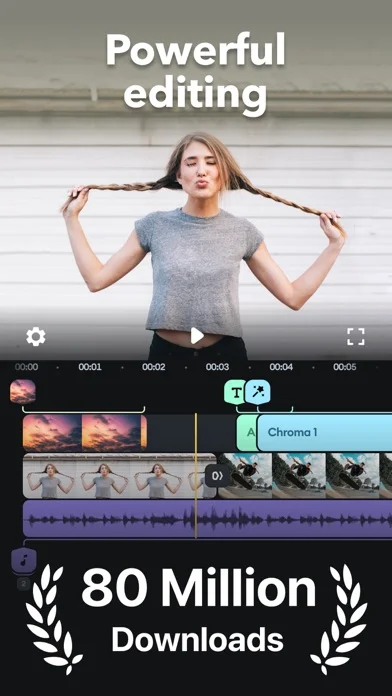
Trim and layer video clips, adjust speed and mix audio tracks.
What it does
Trim and layer video clips, adjust speed and mix audio tracks. The listing requires a subscription for the described editing features.
Pricing: is Splice - Video Editor & Maker free?
US App Store download: Free (USD), checked 2026-09-23. The described service requires a paid plan after any trial; download price is not the subscription price.
Screenshots
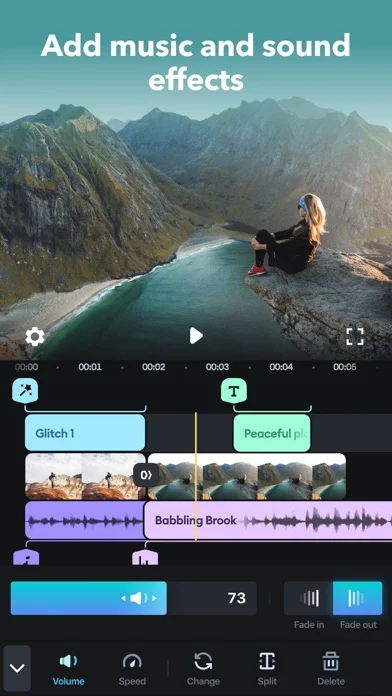
Developer-provided iOS screenshots.
Features
Core clip editing
Trim, cut, crop, adjust color, change speed, and animate photos or clips with pan and zoom.
Developer’s App Store feature description (iOS)Layering and chroma key
Overlay photos or videos, apply masks, and remove backgrounds with chroma key.
Developer’s App Store feature description (iOS)Effects, transitions, and titles
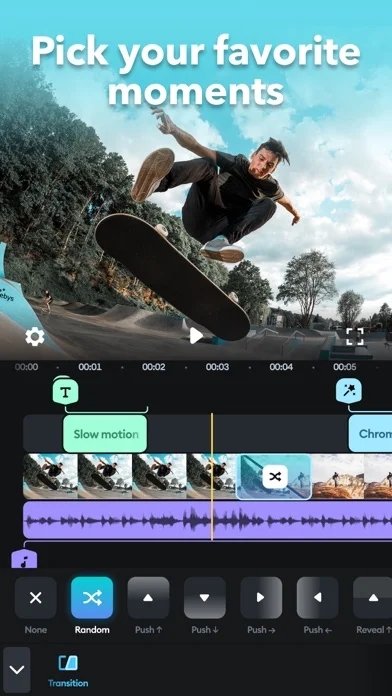
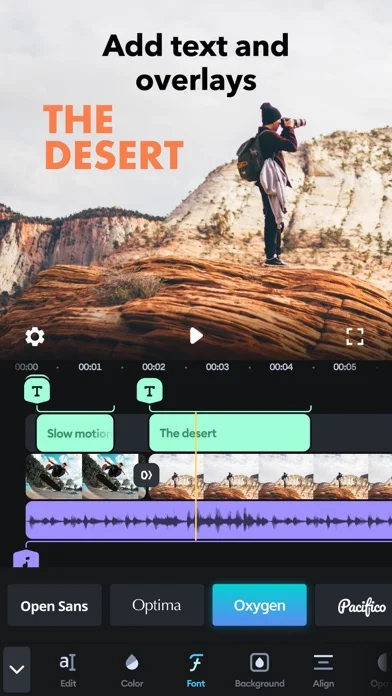
Apply visual effects, choose transition styles and timing, and add titles, text overlays, or an outro.
Developer’s App Store feature description (iOS)Royalty-free soundtrack library
Choose music from more than 6,000 royalty-free Artlist and Shutterstock tracks.
Developer’s App Store feature description (iOS)Audio mixing and narration
Trim and mix multiple audio tracks and record narration or sound effects in the app.
Developer’s App Store feature description (iOS)Sources & verification
- Splice - Video Editor & Maker: developer's App Store listing (US)Primary source
- Developer’s App Store feature description (iOS)Primary source
Last verified: 23 September 2026. Features not listed here may be unverified.
Are you the developer? Claim this listing →