 Is There an App?
SwiftScan AI Document Scanner
by Maple Media Apps, LLC
Scan documents and create searchable digital files.
What it does
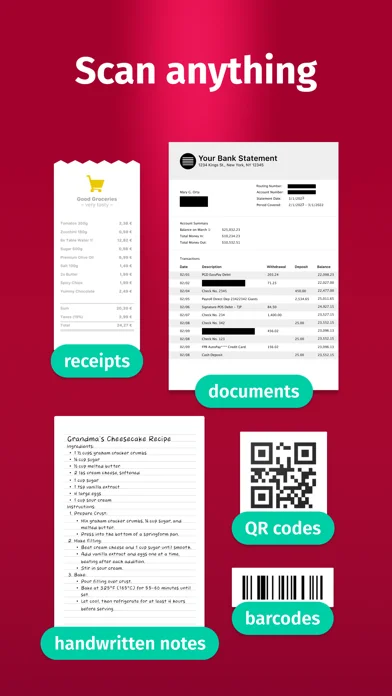
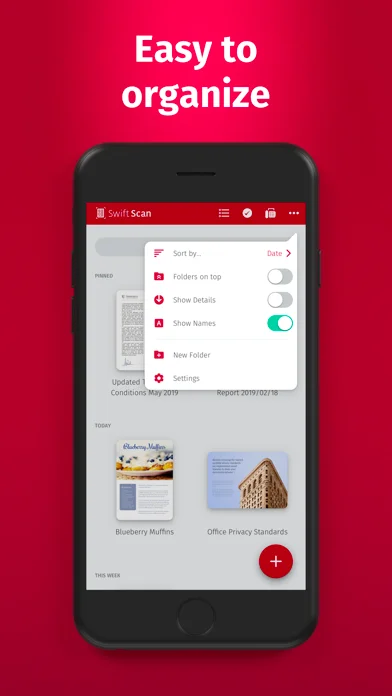
Scan documents and QR codes, extract text, annotate pages and send files to supported cloud services. The listing also describes paid subscriptions.
Pricing: is SwiftScan AI Document Scanner free?
US App Store download: Free (USD), checked 2026-09-22. Includes free functionality with optional paid features or plans. Feature availability depends on the tier.
Screenshots
Developer-provided iOS screenshots.
Features
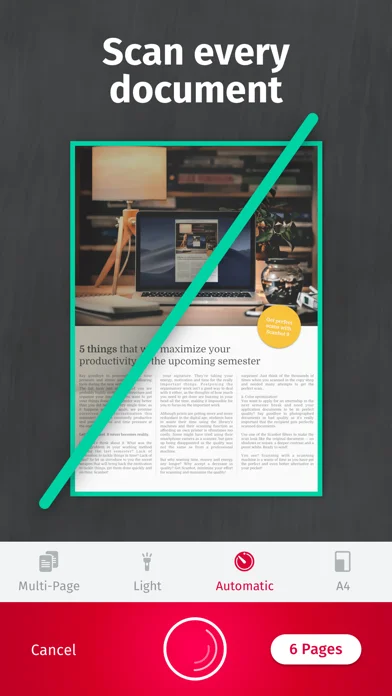
Capture single or multi-page documents
Use automatic edge detection to scan paper into PDF or JPEG, then apply color, grayscale or black-and-white filters.
Developer’s App Store feature description (iOS)Extract text from a scan
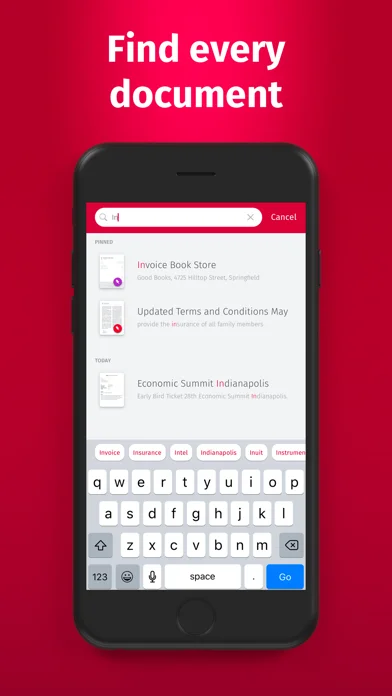
OCR can extract text for searching, copying or looking up information. Check the subscription for access to advanced tools.
Developer’s App Store feature description (iOS)Annotate and arrange pages
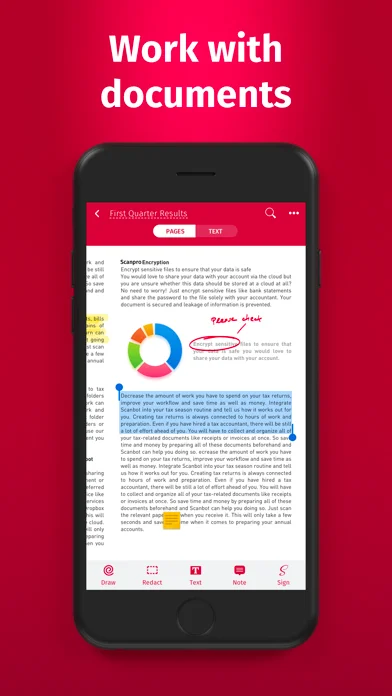
Add text, comments or drawings, insert a signature, and move, rotate, add or delete pages.
Developer’s App Store feature description (iOS)Send documents to other services
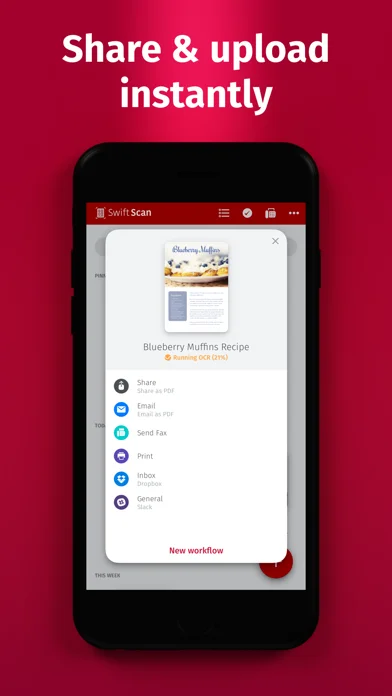
Email or fax a document, or save it to supported cloud services such as iCloud Drive, Dropbox and Google Drive. Check service charges and plan availability.
Developer’s App Store feature description (iOS)Read QR code contents
Scan QR codes containing URLs, contact details or phone numbers alongside document scanning.
Developer’s App Store feature description (iOS)Sources & verification
- SwiftScan AI Document Scanner: developer's App Store listing (US)Primary source
- Developer’s App Store feature description (iOS)Primary source
Last verified: 22 September 2026. Features not listed here may be unverified.
Are you the developer? Claim this listing →