 Is There an App?

Videoleap: AI Video Editor
by Lightricks Ltd.
Edit layered video timelines with keyframes, masks and compositing tools.
What it does
Edit layered video timelines with keyframes, masks and compositing tools. Includes transitions, templates, motion tracking and AI effects.
Pricing: is Videoleap: AI Video Editor free?
US App Store download: Free (USD), checked 2026-09-23. The full pricing model, in-app purchases and subscription requirements have not been verified.
Screenshots
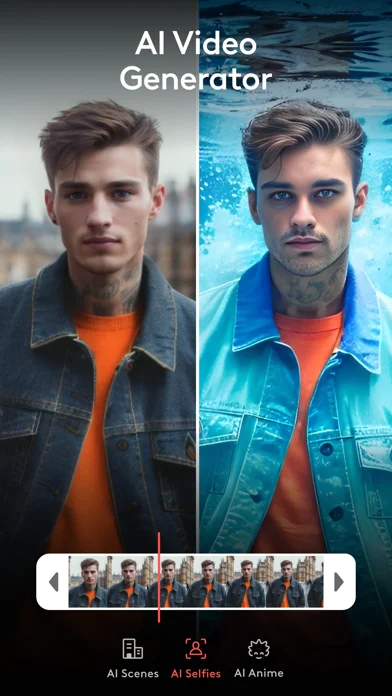
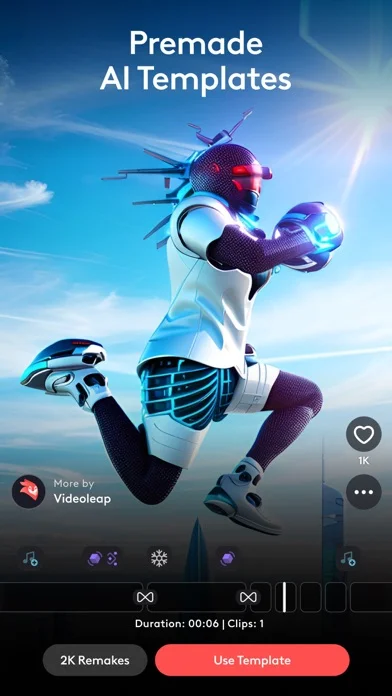
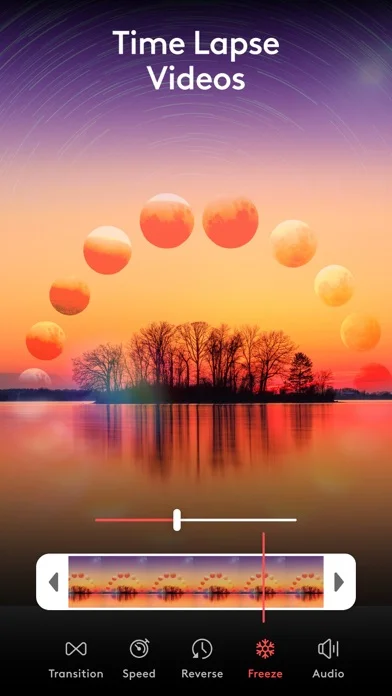
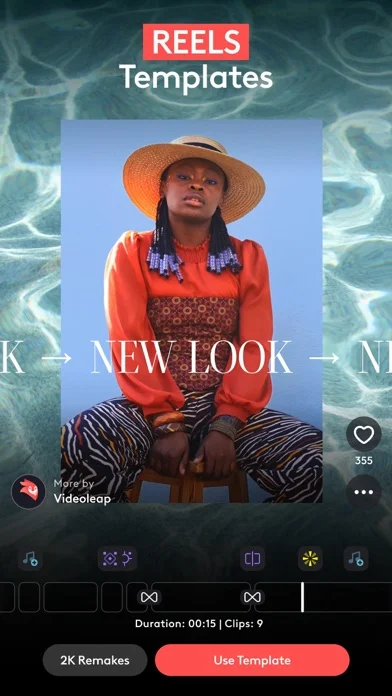
Developer-provided iOS screenshots.
Features
AI effects and templates
Apply AI presets, remake AI templates with personal media, or remove unwanted objects from video.
Developer’s App Store feature description (iOS)Precision timeline editing
Edit nondestructively on a zoomable timeline with keyframes, unlimited undo, and frame-level placement.
Developer’s App Store feature description (iOS)Layered compositing
Combine video, images, effects, and text in reorderable layers with masks, transforms, and blend modes.
Developer’s App Store feature description (iOS)Motion tracking
Track moving objects and synchronize other elements to follow their motion with keyframes.
Developer’s App Store feature description (iOS)Sound editing
Add sound effects or voiceovers, adjust volume, use EQ presets, and sync edits to music rhythm.
Developer’s App Store feature description (iOS)Sources & verification
- Videoleap: AI Video Editor: developer's App Store listing (US)Primary source
- Developer’s App Store feature description (iOS)Primary source
Last verified: 23 September 2026. Features not listed here may be unverified.
Are you the developer? Claim this listing →