 Is There an App?
WavePad Music and Audio Editor
by NCH Software
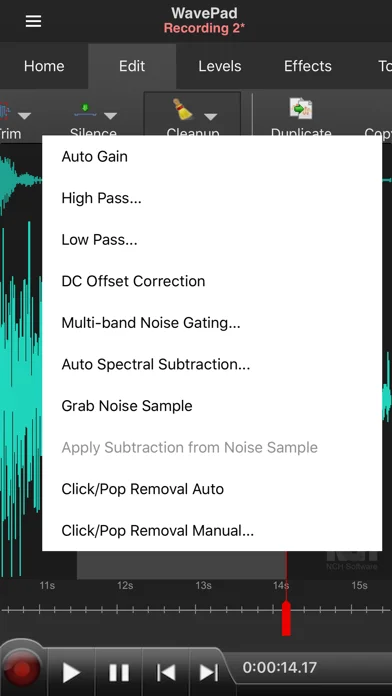
Record and edit audio with trimming, effects and noise reduction, and transfer files through Google Drive or Dropbox.
What it does
Record and edit audio with trimming, effects and noise reduction, and transfer files through Google Drive or Dropbox. Optional purchases and subscriptions expand access.
Pricing: is WavePad Music and Audio Editor free?
US App Store download: Free (USD), checked 2026-09-23. The full pricing model, in-app purchases and subscription requirements have not been verified.
Screenshots
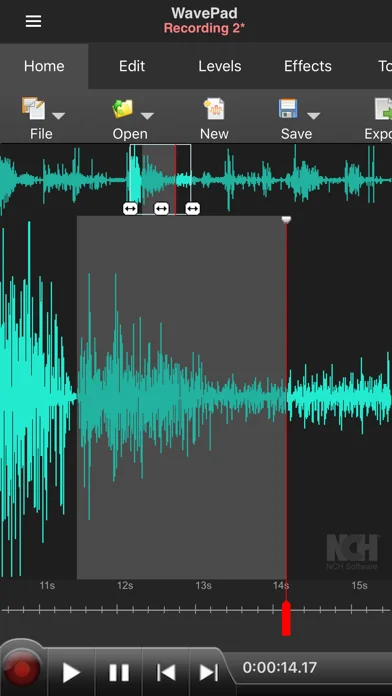
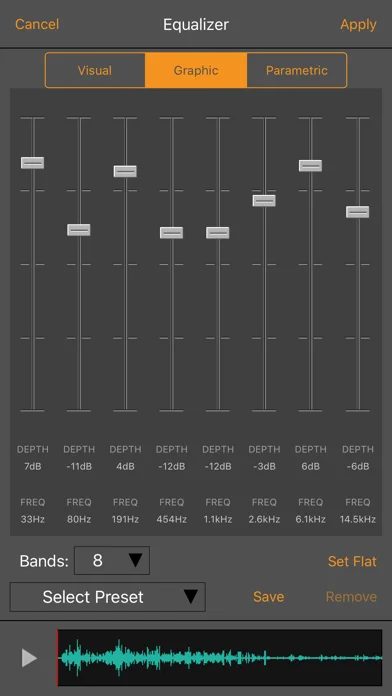
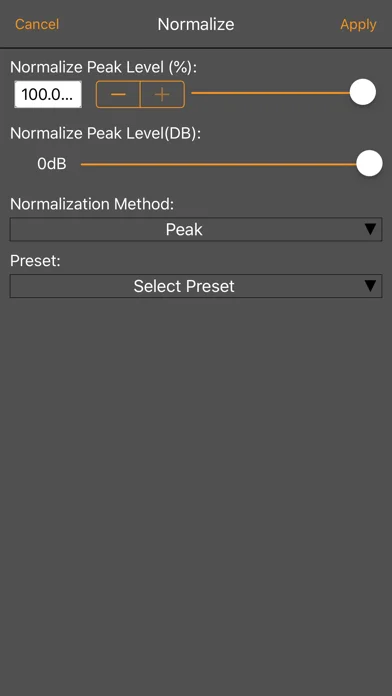
Developer-provided iOS screenshots.
Features
Audio format support
Supports a number of file formats including wave and aiff.
Developer’s App Store feature description (iOS)Cut, copy, paste, and trim
Editing capabilities include cut, copy, paste, insert, trim and more.
Developer’s App Store feature description (iOS)Audio effects
Effects include amplify, normalize, echo and more.
Developer’s App Store feature description (iOS)Auto-trim and voice activation
Supports auto-trim and voice activated recording.
Developer’s App Store feature description (iOS)Sources & verification
- WavePad Music and Audio Editor: developer's App Store listing (US)Primary source
- Developer’s App Store feature description (iOS)Primary source
Last verified: 23 September 2026. Features not listed here may be unverified.
Are you the developer? Claim this listing →