 Is There an App?

Obsidian
by Obsidian
Keep connected notes in files you control.
What it does
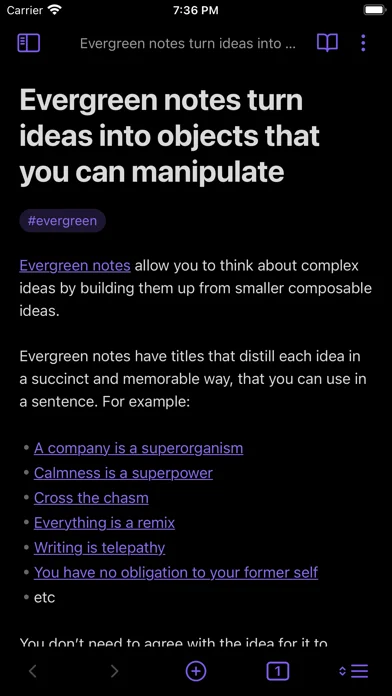
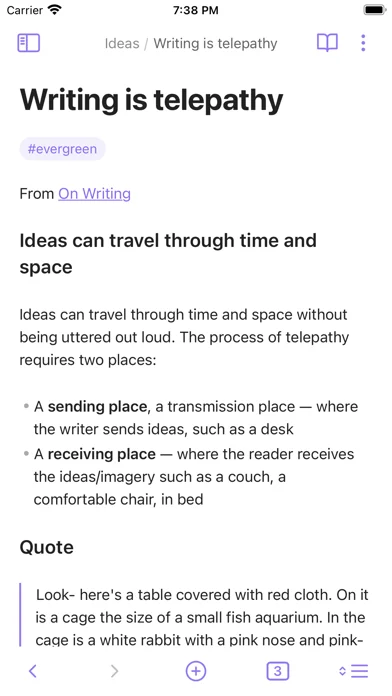
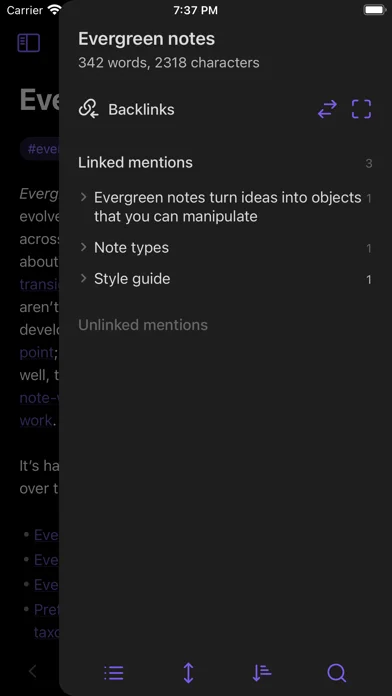
A note-taking application that stores Markdown files on your device. Links and a graph connect ideas across your notes. Local notes remain accessible offline. Optional Sync and Publish services are available separately.
Pricing: is Obsidian free?
The core app is free. Sync and Publish are optional paid services.
Screenshots
Developer-provided iOS screenshots.


Features
Keep notes in local Markdown files
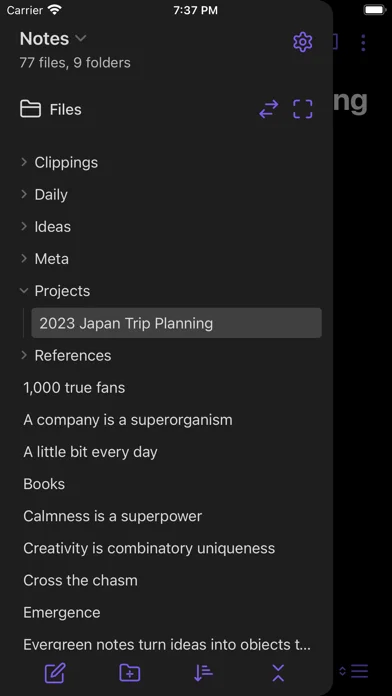
Build a personal knowledge base on top of a folder of plain-text Markdown files. Your notes remain ordinary files rather than being confined to a proprietary document format.
Developer’s App Store feature description (iOS)Explore a graph of your notes
Use the graph view to explore your knowledge base visually alongside your written notes.
Developer’s App Store feature description (iOS)Extend your workspace with plugins
Add community plugins to adapt the app to your note-taking workflow. These are optional extensions rather than a fixed set of built-in tools.
Developer’s App Store feature description (iOS)Customize mobile controls
Adjust the toolbar and use pull-down quick actions to keep frequently used commands within reach while writing on your phone.
Developer’s App Store feature description (iOS)Use iCloud vaults
The iOS app supports iCloud vaults for your notes. This is a distinct option from any separately purchased synchronization service.
Developer’s App Store feature description (iOS)Known limitations
- Doesn’t support: Account required Source
Questions this app answers
Sources & verification
- Official product overviewPrimary source
- Official downloadsPrimary source
- Official pricingPrimary source
- Obsidian - Connected Notes: developer's App Store listing (US)Primary source
- Developer’s App Store feature description (iOS)Primary source
Last verified: 22 September 2026. Features not listed here may be unverified.
Are you the developer? Claim this listing →