 Is There an App?
Apps for taking notes offline
Short answer
Obsidian, Joplin and Standard Notes are options for keeping notes accessible without an internet connection. Start with how you want to store and organise your notes, then check what needs a connection: syncing, downloading attachments and optional services are separate from offline access.
Which app should you try?

Obsidian
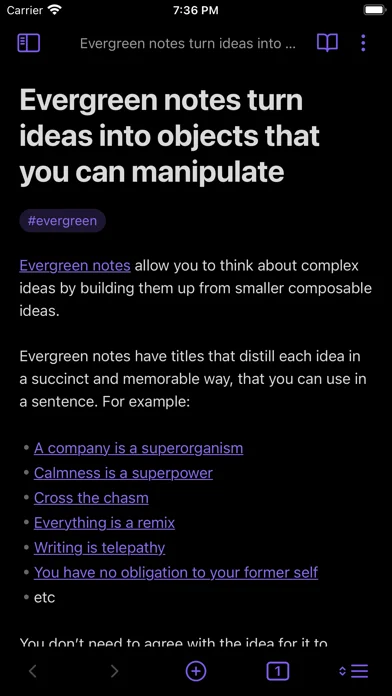
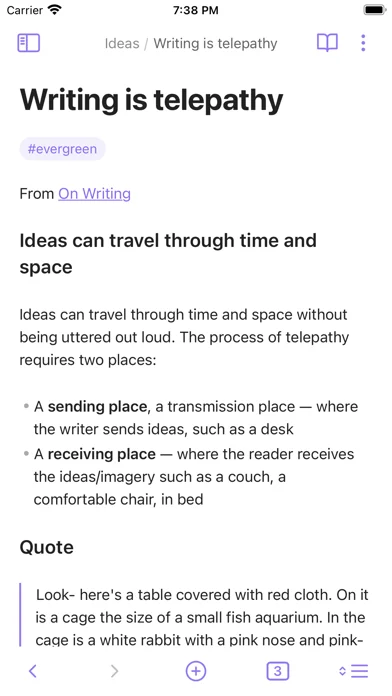
Consider Obsidian if you want a folder of Markdown files and links between your notes.

Joplin
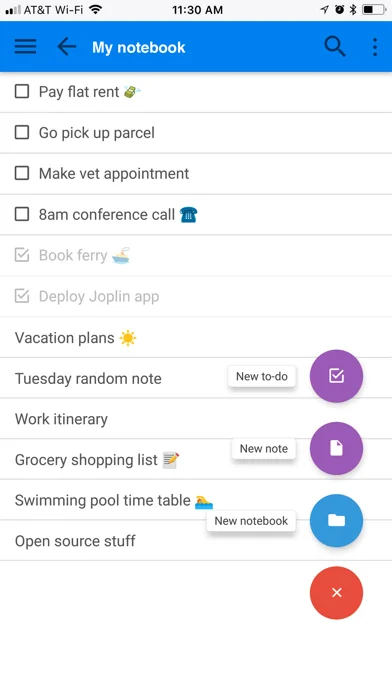
Consider Joplin if you want open-source notebooks with multimedia notes and to-dos.

Standard Notes
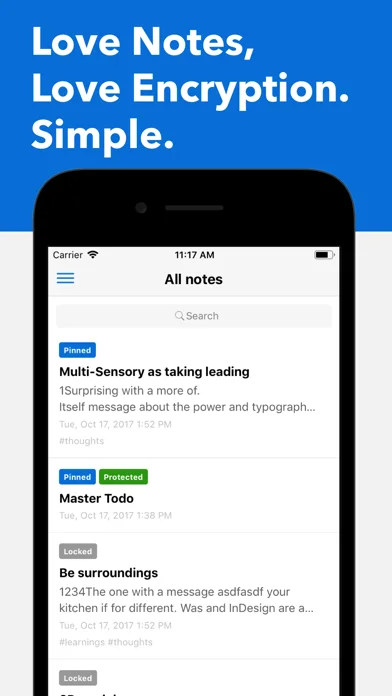
Consider Standard Notes if encrypted synchronisation and offline copies are central to your workflow.
What these apps need to do
Compare documented capabilities
This is what we could verify from official sources. Pricing can still affect whether a feature is available to you.
What you get with each app
Obsidian
Obsidian
Consider Obsidian if you want a folder of Markdown files and links between your notes.
Screenshots from the developer
Developer-provided iPhone screenshots.
Useful features
Keep in mind: Local notes and cross-device sync are different features. Check your chosen sync service and any community plugins separately.
Joplin
Laurent Cozic
Consider Joplin if you want open-source notebooks with multimedia notes and to-dos.
Screenshots from the developer
Developer-provided iPhone screenshots.
Keep in mind: Prepare the notes and attachments you need before going offline; check the sync service and attachment settings you plan to use.
Standard Notes
Standard Notes Ltd.
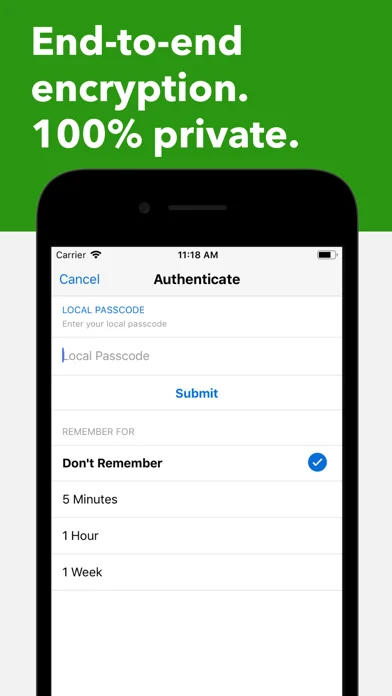
Consider Standard Notes if encrypted synchronisation and offline copies are central to your workflow.
Screenshots from the developer
Developer-provided iPhone screenshots.
Useful features
Keep in mind: Check which editors and backup features your plan includes. Offline access alone does not establish that every feature is free.
What should work without a connection?
Decide whether you only need to read existing notes or also create, edit, search and open attachments. A useful personal check is to download your material, enable airplane mode, close and reopen the app, then try those exact steps. We have not performed that device test for these recommendations.
Local storage, sync and backup solve different problems
Local storage keeps a copy on your device. Sync moves changes between devices when a connection is available. A backup gives you a separate recovery copy. Before moving your notes, export a sample and check whether its formatting, links and attachments survive.
Which should you try first?
Start with your most important constraint: editable files, notebook organisation, or encrypted sync. Try one small notebook before migrating everything. Check the platforms and pricing on each app’s record; a feature documented for one platform is not automatically available everywhere.
Sources and how we checked
Source-based research; not hands-on testing. We use official product pages, developer listings and support documentation, then flag details that still need checking.